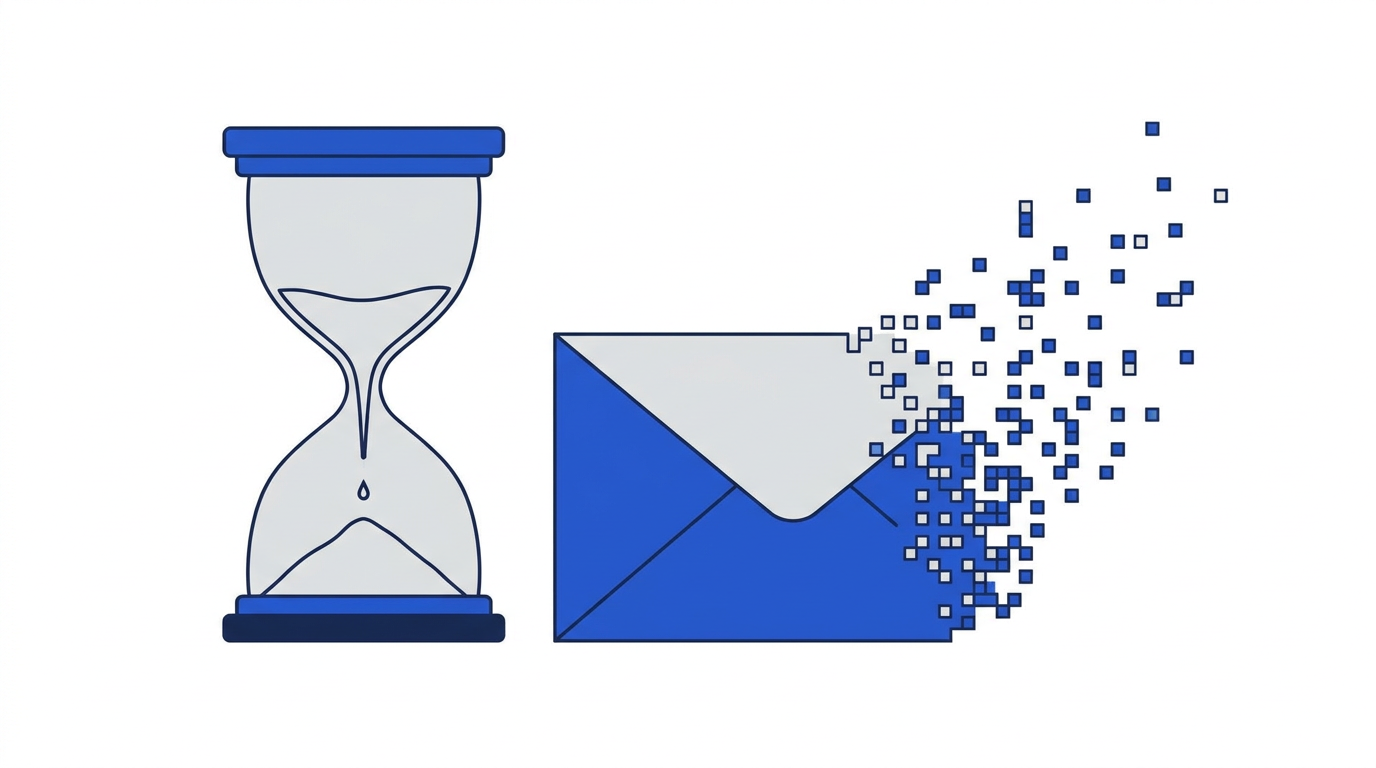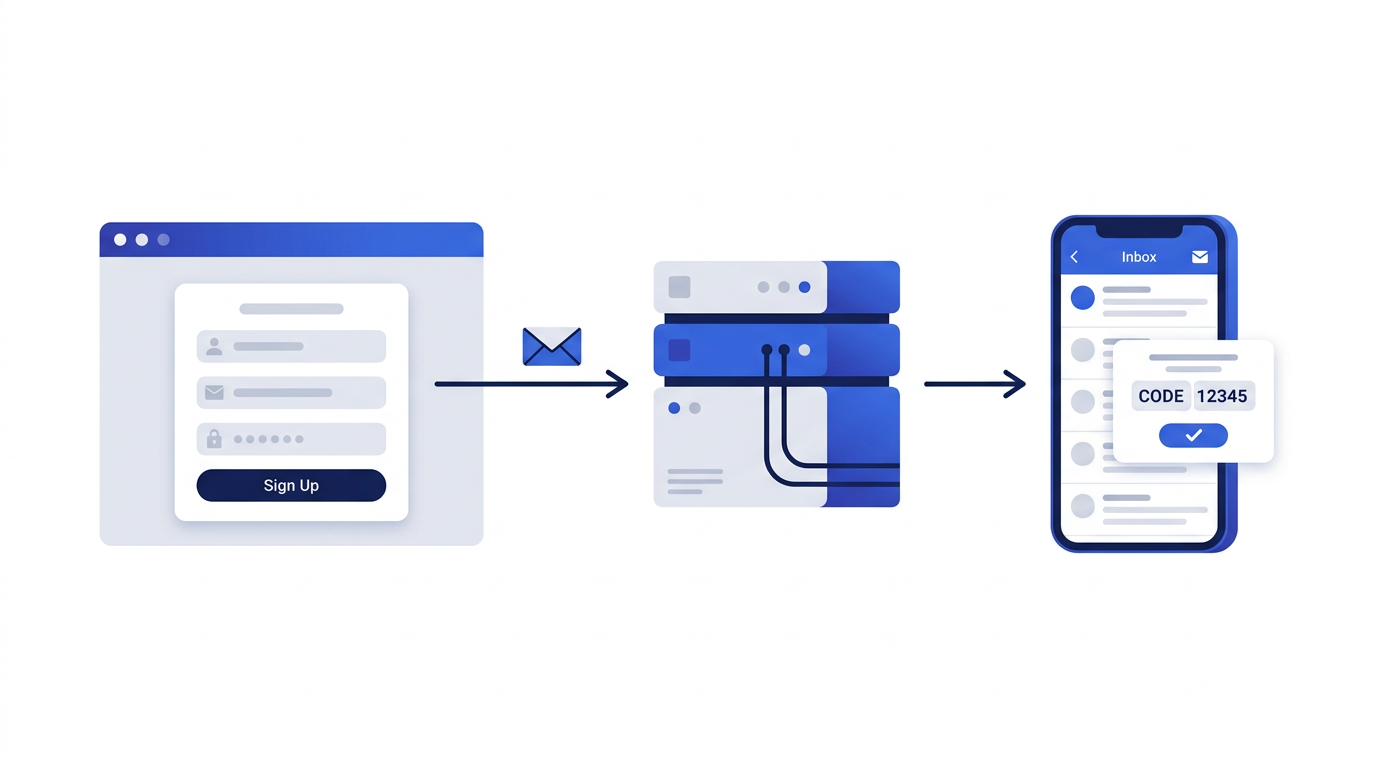
A 10 minute email is a disposable inbox that lasts about ten minutes, long enough to receive a confirmation link or verification code, and short enough that nobody can use it to reach you later. It is one of the simplest privacy tools on the internet, but a few small habits make the difference between a smooth experience and a code that never seems to arrive.
This guide walks through the whole process on 10 Minute Emails, from the moment you open the page to the moment the address expires. If you would like the background first, start with what is a temporary email address.
Before you start: is a 10 minute email the right tool?
Ask yourself one question: will I ever need to receive another email from this website? If the answer is no, a 10 minute email is ideal. If you might need a password reset, a receipt, a delivery update or a security warning in the future, use your real address or a permanent alias instead. Once the ten minutes are up, any account tied to the temporary address is effectively orphaned.
Step-by-step: using your 10 minute email
- 1Open the 10 Minute Emails generator. A new random address is created automatically and the countdown timer starts.
- 2Click the Copy button next to the address. The full address is now on your clipboard.
- 3Switch to the website or app that is asking for an email and paste the address into its form. Complete the rest of the sign-up as normal.
- 4Return to the 10 Minute Emails tab. The inbox checks for new mail every few seconds, so leave the tab open and wait.
- 5When the message arrives it appears at the top of the inbox list. Click it to open it and read the code or click the confirmation link.
- 6Finish whatever you were doing on the other site. When you are done, you can let the timer run out or delete the address immediately.
Understanding the timer
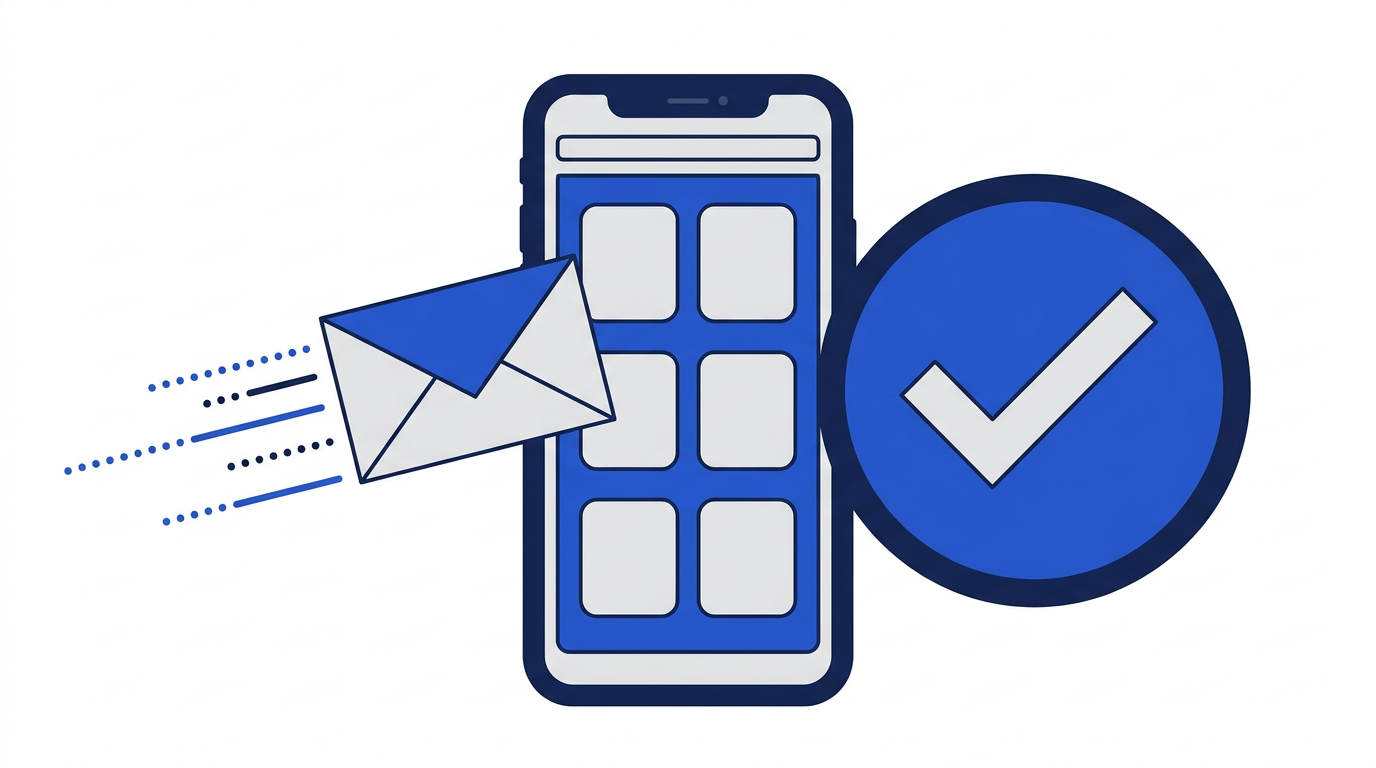
The countdown next to your address shows how much time is left before it expires. On this site every new address starts with ten minutes. If you are still waiting for a message, or you need a little more time to finish a sign-up, use the extend button to add another ten minutes. You can extend up to five times, which gives a single address a maximum life of one hour.
Reading messages safely
Messages are displayed in a cleaned-up form. Scripts are removed and remote images are blocked, because both can be used to track when and where an email is opened. Attachments are listed by name but never stored or downloaded, so a malicious file cannot reach your device through the inbox. Links in the message still work, so you can click a confirmation link as usual. If you want to understand why images are blocked, see how email tracking works.
Treat links in a temporary inbox the same way you would treat them anywhere else. If you receive a message you were not expecting, or one that asks for passwords or payment details, do not interact with it. Our guide to recognizing phishing emails covers the warning signs.
What to do if your email does not arrive
Most messages appear within seconds. If nothing shows up after a minute or two, work through these checks:
- Check the address you pasted. A missing character or an extra space means the email went somewhere else. Copying with the button avoids this.
- Look for a resend option on the website. Many sign-up pages have a “Send again” or “Didn’t get the email?” link.
- Extend the timer while you wait. Some senders queue verification emails and deliver them a few minutes later.
- Make sure the website accepted the address. Some sites quietly block known temporary email domains and never send anything.
- Try generating a new address. If a site has blocked our domain, a fresh address on the same domain will not help, but it rules out typos.
If a site consistently refuses temporary addresses, it is telling you it expects a long-term relationship. That might be a good moment to reconsider whether you want an account there at all, or to use an alias instead. We explain the difference in email aliases vs. disposable email.
Getting a new address or deleting the current one
You can discard your current address at any time and start fresh with a new one. This is useful if you want a separate address for each website, or if you have finished and want the inbox gone right away rather than waiting for the timer. Deleting removes the address and its messages immediately.
Does the inbox survive a page refresh?
Your inbox is tied to your browser session. Refreshing the page or briefly closing the tab will bring back the same address as long as it has not expired. Opening the site in a different browser, a private window or another device will create a different address, because the original inbox is not linked to an account. There is deliberately no login, so there is nothing to recover from elsewhere.
Tips for getting the most out of a 10 minute email
- Open the generator before you start a sign-up so the address is ready when you need it.
- Use one temporary address per website so you can tell which site sent what.
- Copy codes immediately. Once the inbox expires, the code is gone too.
- Do not reuse a temporary address for anything you want to keep. Treat every account you create with it as disposable.
- Combine it with good habits for your real inbox. Our guide on how to stop spam emails covers the rest.
Common mistakes to avoid
The most common mistake is using a 10 minute email for an account that turns out to matter, then being locked out when a password reset goes to an address that no longer exists. The second most common is letting the timer run out while a slow message is still on its way. Both are easy to avoid once you know about them. We collected the full list in 10 common temporary email mistakes.
Frequently asked questions
Can I send email from a 10 minute email address?
No. Addresses on 10 Minute Emails are receive-only. This prevents the service from being used to send spam or impersonate anyone.
How long can I keep a 10 minute email?
Each address starts with 10 minutes. You can extend it by 10 minutes up to five times, so the longest an address can last is one hour.
Can I choose my own 10 minute email address?
Addresses are generated randomly so they are hard to guess. Random names are a privacy feature: a predictable name would let other people read the same inbox.
Do I need to create an account?
No. There is no sign-up, password or personal information required. Opening the page is enough.