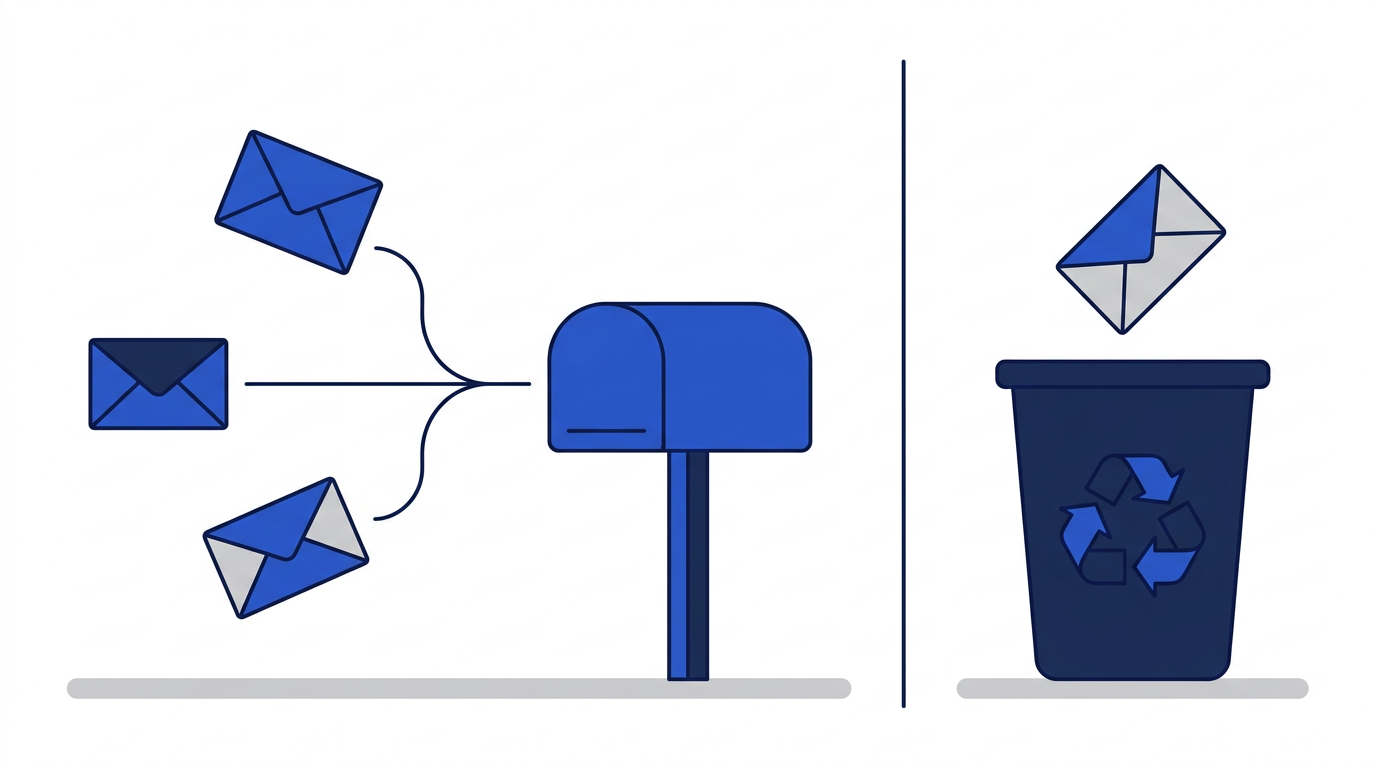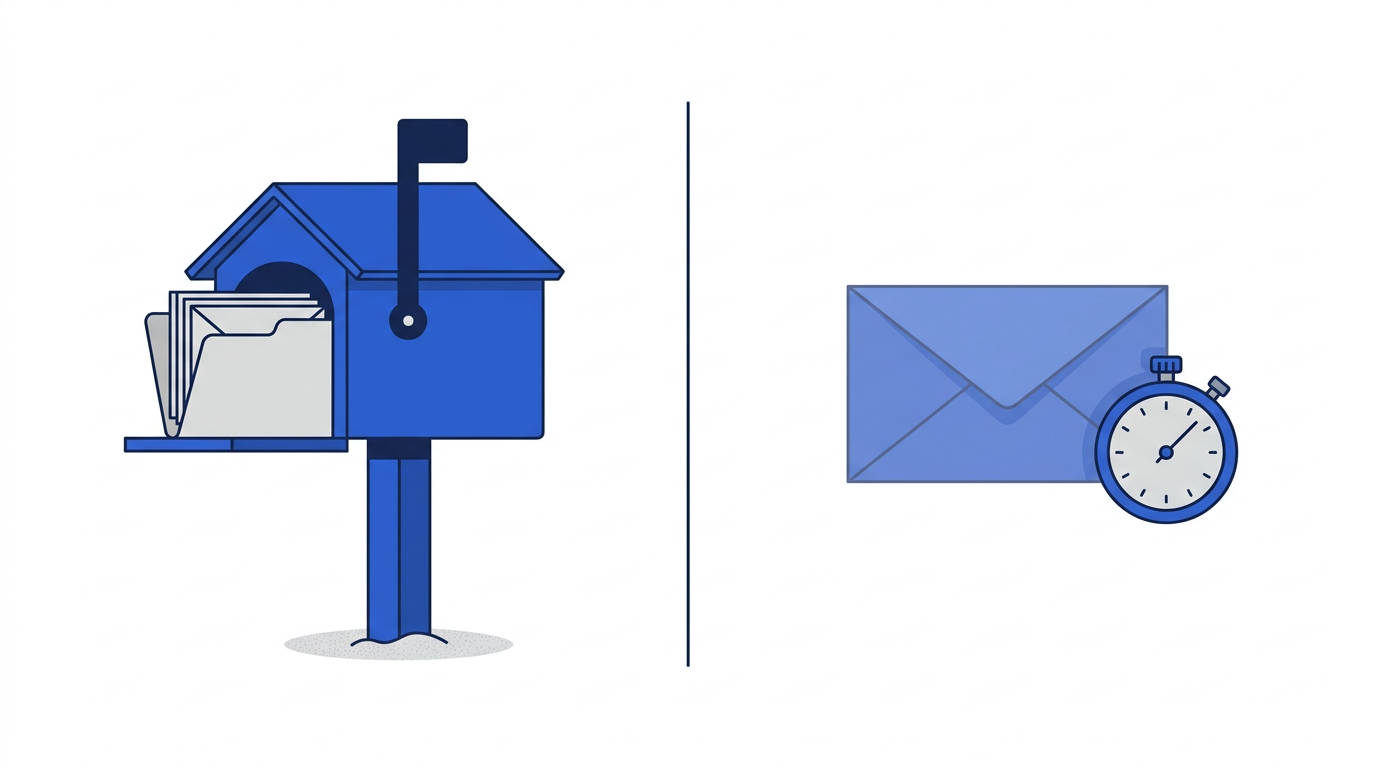
Temporary email and regular email look similar from the outside. Both have an address with an @ sign, both receive real messages from real mail servers, and both show those messages in an inbox. Underneath, they are built for opposite purposes. A regular email account is designed to last for years and to be the key to your digital identity. A temporary email is designed to disappear in minutes and to have no connection to you at all.
Understanding the difference helps you decide, quickly and confidently, which address to give each time a website asks.
The quick comparison
- Lifespan: a regular address lasts as long as you keep the account; a temporary address lasts minutes, on this site up to one hour.
- Sign-up: regular email needs an account, password and often a phone number; temporary email needs nothing.
- Sending: regular email can send and reply; temporary email on this site is receive-only.
- Recovery: regular email can be recovered if you forget the password; a temporary inbox cannot be recovered once it expires.
- Storage: regular email keeps messages until you delete them; temporary email deletes everything automatically.
- Privacy: regular email is tied to your identity; temporary email is not linked to you.
- Attachments: regular email stores and opens attachments; this temporary inbox never stores them.
Lifespan and ownership
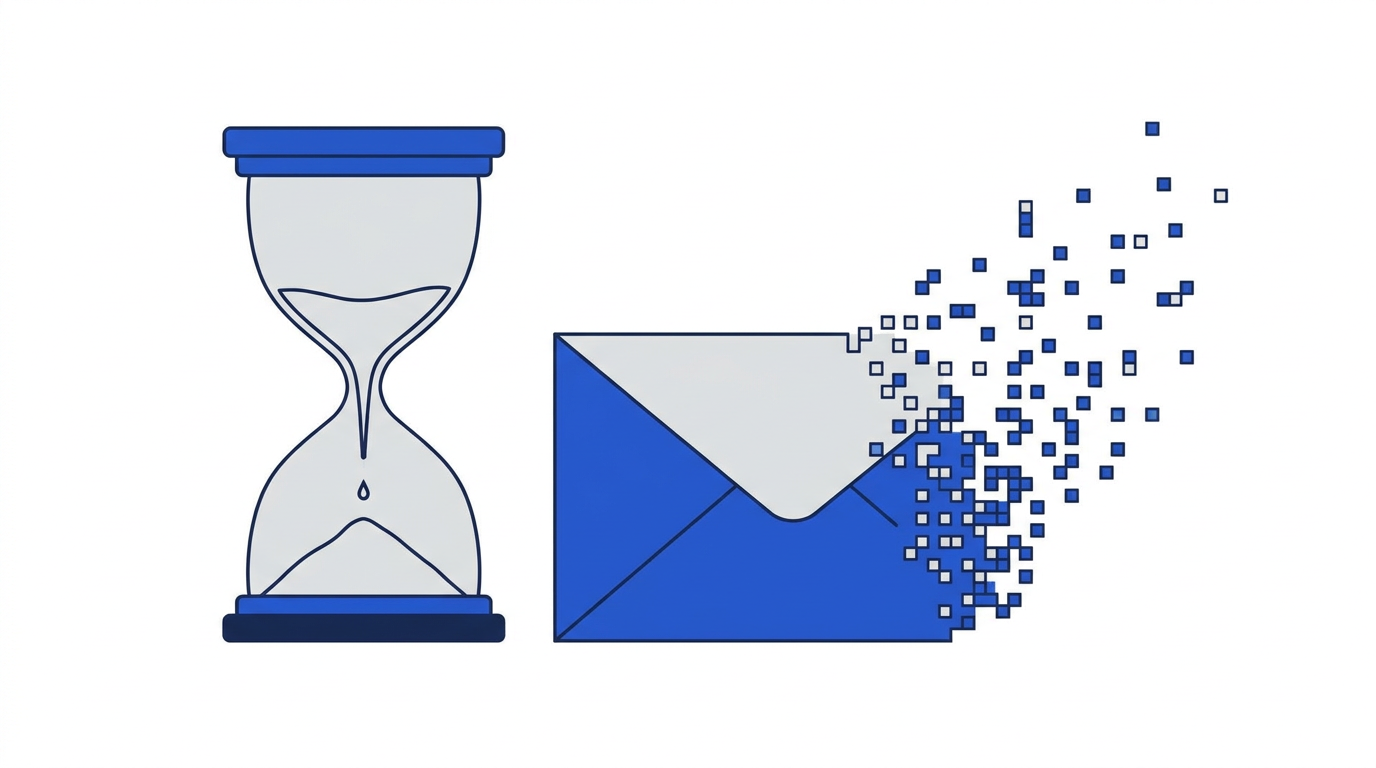
Your regular email address belongs to an account you control. You can log in from any device, keep messages for decades and move them between apps. That permanence is what makes it suitable for banking, work and personal relationships. A temporary address, by contrast, is borrowed for a short time. Nobody owns it after it expires, and it is not connected to any account you could log into later. Read what happens when a temporary email expires for the details.
Identity and privacy
Your regular address is effectively a public identifier. Websites, advertisers and data brokers can use it to link your activity across many services. It often contains your name, and it appears in the databases of every company you have ever given it to. A temporary address is random and short-lived, so it reveals nothing about you and cannot be used to connect one sign-up to another. See how disposable emails help protect your privacy for what that does and does not protect.
Security
Regular email accounts can be secured with strong passwords, two-factor authentication and recovery options. That matters, because whoever controls your main inbox can reset passwords for most of your other accounts. Temporary inboxes have no password at all. Access is tied to your browser session, which keeps things simple but also means they are not suitable for protecting anything valuable.
On the other hand, a temporary inbox can be safer for receiving unknown mail. Because this site strips scripts, blocks remote images and never stores attachments, opening a message from an unfamiliar sender is lower-risk than opening it in a full email client. We discuss the balance in are temporary email addresses safe to use.
Account recovery
This is the single most important difference. When you forget a password, almost every website sends a reset link to your email. If that email was temporary, the link goes to an address that no longer exists, and you are locked out permanently. Regular email exists so that you can always get back in. Never use a temporary address for any account you might need to recover.
Sending and replying
Regular email is a two-way conversation. Temporary email on this site is one-way: you can receive, but you cannot send or reply. That design prevents the service from being misused to send spam and means nobody can impersonate you using your temporary address. If a situation requires you to reply to someone, you need a regular address or an alias.
Where email aliases fit in
Email aliases sit between the two. An alias is a separate address that forwards to your regular inbox. It hides your real address like temporary email does, but it lasts as long as you want and lets you receive password resets. You can switch an alias off if it starts getting spam. For accounts you want to keep but don't want tied to your main address, aliases are often the best option. Compare them in email aliases vs. disposable email addresses.
Which one should you use?
Use regular email for
- Banking, payments, taxes and government services.
- Work, school and professional accounts.
- Shopping accounts with saved cards or deliveries.
- Social media and messaging accounts you plan to keep.
- Conversations with real people.
Use temporary email for
- One-time downloads and gated articles.
- Public Wi-Fi sign-in pages.
- Testing apps and services before committing.
- One-off forum posts or comments.
- Checking your own sign-up flows as a developer.
For more examples, read when should you use a temporary email address. When you are ready to try one, the temporary email generator creates an address instantly.
Frequently asked questions
Can a temporary email replace my regular email?
No. Temporary email cannot send mail, cannot be recovered and expires quickly. It complements your regular address for one-time sign-ups; it does not replace it.
Is temporary email more private than Gmail or Outlook?
For one-time sign-ups, yes, because the address is not tied to your identity. For long-term communication, a regular account with strong security is the better choice.
Can I switch an account from temporary to regular email later?
Often yes, if the website lets you change your email in account settings and you still have access. Do it before the temporary address expires, since many sites send a confirmation to the old address.