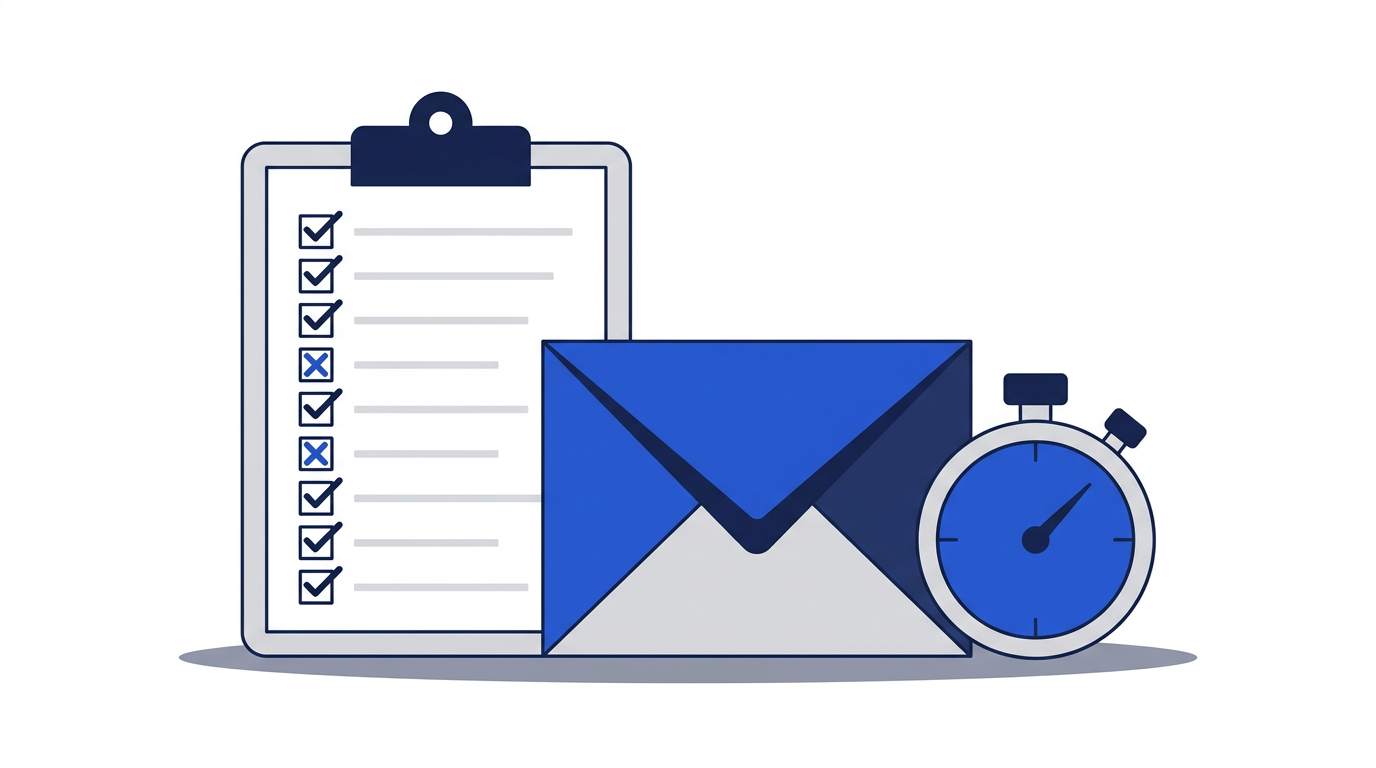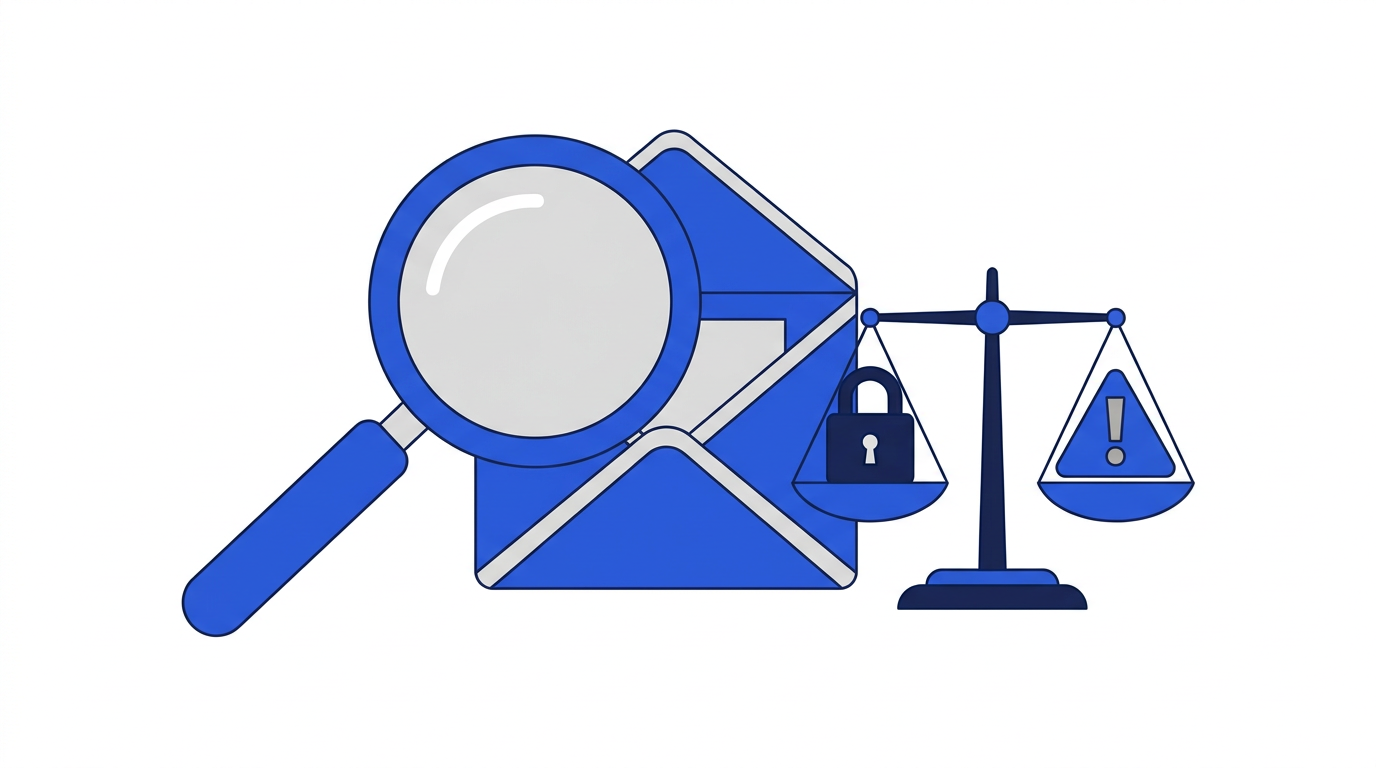
Temporary email addresses are safe to use for the situations they are designed for: one-time sign-ups, downloads, Wi-Fi portals and trying services you do not yet trust. They become unsafe when people use them for things that need long-term security, such as banking or account recovery. Safety depends less on the tool itself and more on choosing the right moments to use it.
This article looks at the real risks of temporary email, what a well-built service does to reduce them, and how to stay safe while using one.
What makes temporary email safer than giving out your real address
Every time you share your real email, you expose it to that company's marketing, its security practices and any future data breach. A temporary address removes that exposure. If the website is hacked years later, the leaked address points to nothing. If it sells its mailing list, nothing reaches you. In this sense, temporary email is a safety measure for your real inbox.
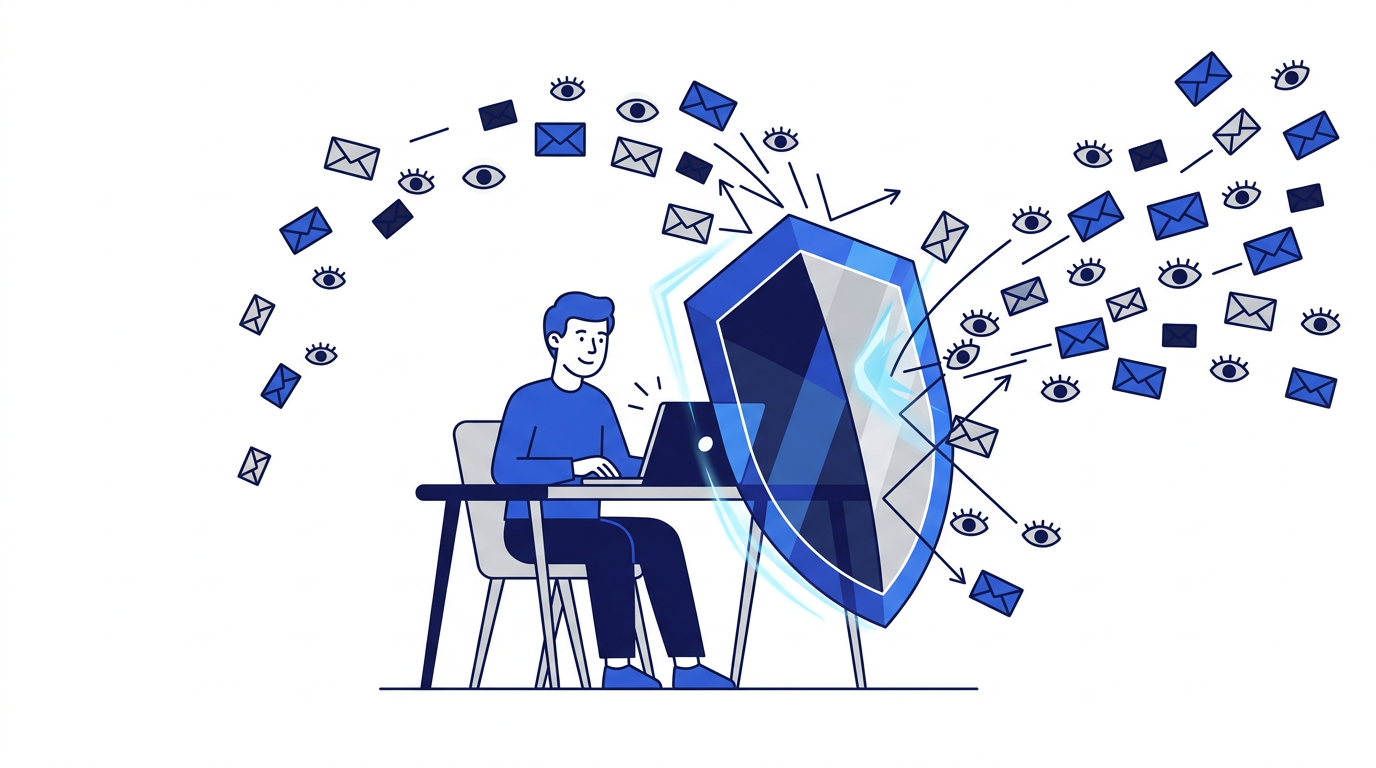
Temporary inboxes can also be a safer place to open messages from unfamiliar senders. On 10 Minute Emails, every message is cleaned before you see it:
- Scripts are removed, so a message cannot run code in your browser.
- Remote images are blocked, so tracking pixels cannot report when or where you opened it.
- Attachments are never stored or downloadable, so malicious files cannot reach your device.
- The address is receive-only, so nobody can send mail that appears to come from you.
The real risks of temporary email
Losing access to accounts
This is by far the biggest risk. When the address expires, you can no longer receive password resets, security codes or account notices for anything you registered with it. If that account turns out to matter, you may be locked out permanently. We explain this in detail in why you should avoid temporary email for banking.
Other people seeing your inbox
Temporary inboxes do not have passwords. On some services, addresses are short or predictable, which means someone else could open the same inbox and read your mail. 10 Minute Emails uses random addresses tied to your browser session to reduce this risk, but anyone with access to your browser could still see the current inbox. Never receive anything sensitive, such as personal documents or financial information, at a temporary address.
Phishing and scam messages
A temporary inbox receives whatever is sent to it, including scams. Message cleaning removes many technical threats, but it cannot stop a convincing message from asking you to enter a password on a fake website. Apply the same caution you would anywhere else. Our guide to recognizing phishing emails covers what to look for.
A false sense of anonymity
A temporary address hides your email, not your identity. Websites can still see your IP address, browser details and anything else you enter. If you type your real name, phone number or payment details into a form, the temporary email does not protect them. Read how disposable emails help protect your privacy for a clear picture of what is covered.
What to look for in a safe temporary email service
- Random, hard-to-guess addresses rather than short or sequential names.
- Messages displayed with scripts and remote images removed.
- Attachments blocked rather than offered for download.
- A clear expiry time and automatic, permanent deletion.
- No sign-up and no request for personal information.
- A readable privacy policy explaining what is stored and for how long.
- No ads placed inside the inbox where they could be confused with messages.
You can read how this site handles your data in our privacy policy.
How to use temporary email safely
- 1Use it only for low-stakes, one-time interactions.
- 2Copy any code or link you need before the inbox expires.
- 3Do not enter passwords or payment details on a site you only reached through a temporary inbox unless you trust it independently.
- 4Close the tab or delete the address when you are finished, especially on shared computers.
- 5Move any account you decide to keep to your real email or an alias before the temporary address expires.
So, is temporary email safe?
Yes, when you use it for what it was built for. It is one of the simplest ways to protect your real inbox from spam, breaches and tracking. It is not a vault, a substitute for a secure email account or an anonymity tool. Keep it for throwaway moments and it will make you safer, not less safe. When you're ready, the free temporary email generator is on our home page, and our list of common temporary email mistakes will help you avoid the usual pitfalls.
Frequently asked questions
Can someone else read my temporary email?
Addresses on this site are random and tied to your browser session, which makes them hard to guess. Anyone with access to your browser could still see the inbox, so never use it for sensitive messages.
Can a temporary email give me a virus?
On this site, attachments are never stored or downloadable and scripts are stripped from messages, which removes the most common ways email delivers malware.
Is it safe to use temporary email for online shopping?
Only for browsing or a one-time discount code. For purchases, use your real email so you receive receipts, delivery updates and can contact support.