Spam is not just annoying. It buries the messages you actually care about, wastes time every day and carries a steady stream of scams. The good news is that you do not have to accept it as the price of having an email address. Most spam reaches you through a small number of predictable routes, and each one can be narrowed or closed.
This guide explains how spammers get your address, then covers the habits and tools that keep it off their lists and filter out what still slips through.
How spammers get your email address
- Data breaches. When a website is hacked, its customer list is often sold or published. One breach can put your address in front of thousands of spammers.
- Sign-up forms. Every newsletter, download form and contest entry adds your address to a list. Some of those lists are shared or sold to partners.
- Public pages. Addresses printed on websites, social profiles and forum posts are collected automatically by scraping software.
- Guessing. Spammers try common name patterns such as firstname.lastname at popular providers and see which ones do not bounce.
- Confirmation. Opening a spam message, loading its images or clicking unsubscribe on a shady email can confirm your address is active, which makes it more valuable.
Step 1: Give out your real address less often
The most effective anti-spam measure happens before spam exists. Every time you share your real address, you are trusting that company to protect it forever. For one-time interactions, that trust is not necessary. Use a temporary email address instead for downloads, Wi-Fi portals, contests and trial sign-ups. If the site later sends marketing or gets breached, nothing reaches you.
For accounts you want to keep but don't fully trust, use an email alias that forwards to your real inbox and can be disabled later. Our comparison of email aliases and disposable addresses explains which to use when.
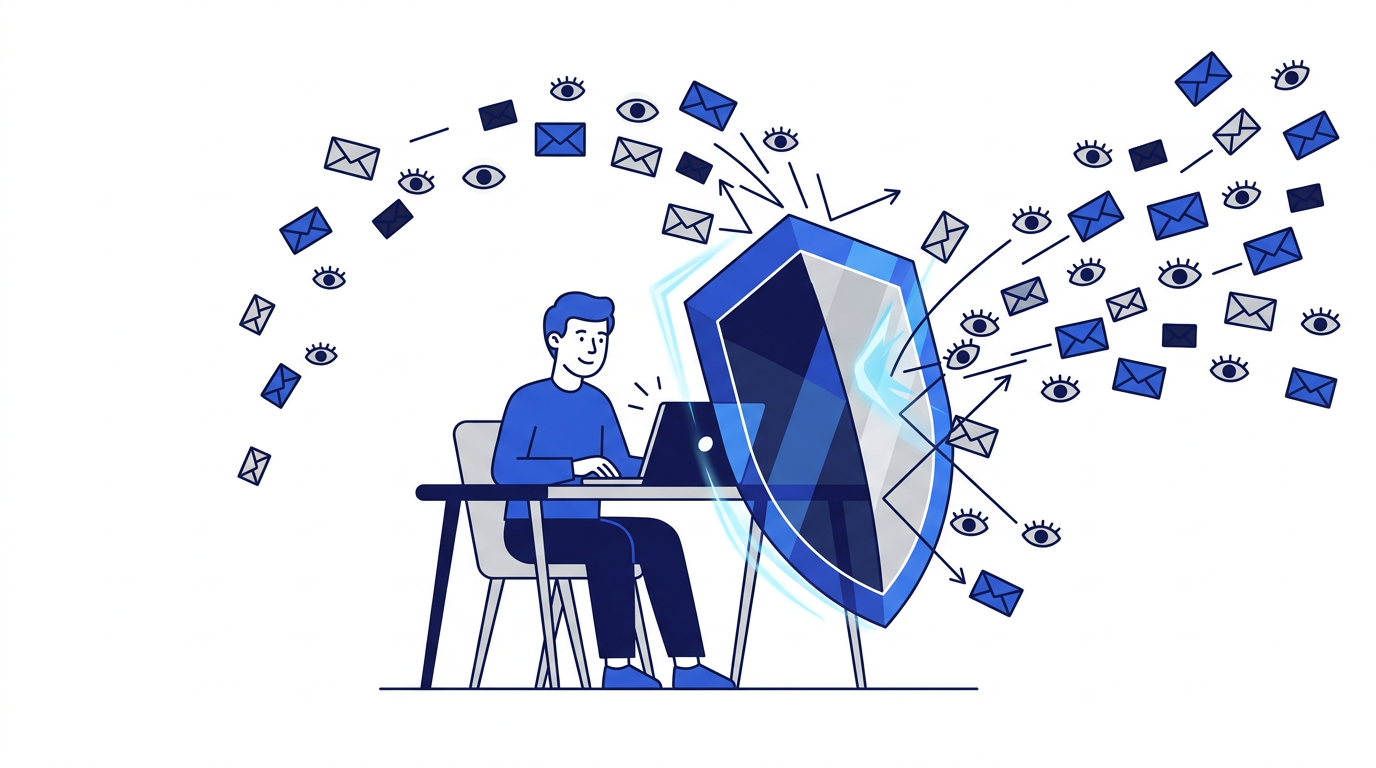
Step 2: Keep your address off public pages
If your address appears on a website, a public profile or an old forum post, automated scrapers will find it. Use a contact form instead of printing your address, or write it in a form that is harder to scrape. Review your social media profiles and remove your email from public view where possible.
Step 3: Never engage with spam
When a message is obviously spam, do not reply, do not click links and do not load images. Each of those actions can confirm that your address is real and monitored. Remote images in particular often contain tracking pixels that report when a message is opened. Our guide to how email tracking works explains how to switch off automatic image loading.
Step 4: Use your spam filter properly
Modern email providers have excellent spam filters, but they learn from you. When spam reaches your inbox, use the Report spam or Junk button rather than simply deleting it. When a legitimate message ends up in spam, mark it as not spam. Over time, these signals make the filter much more accurate for your account specifically.
Step 5: Clean up the lists you already joined
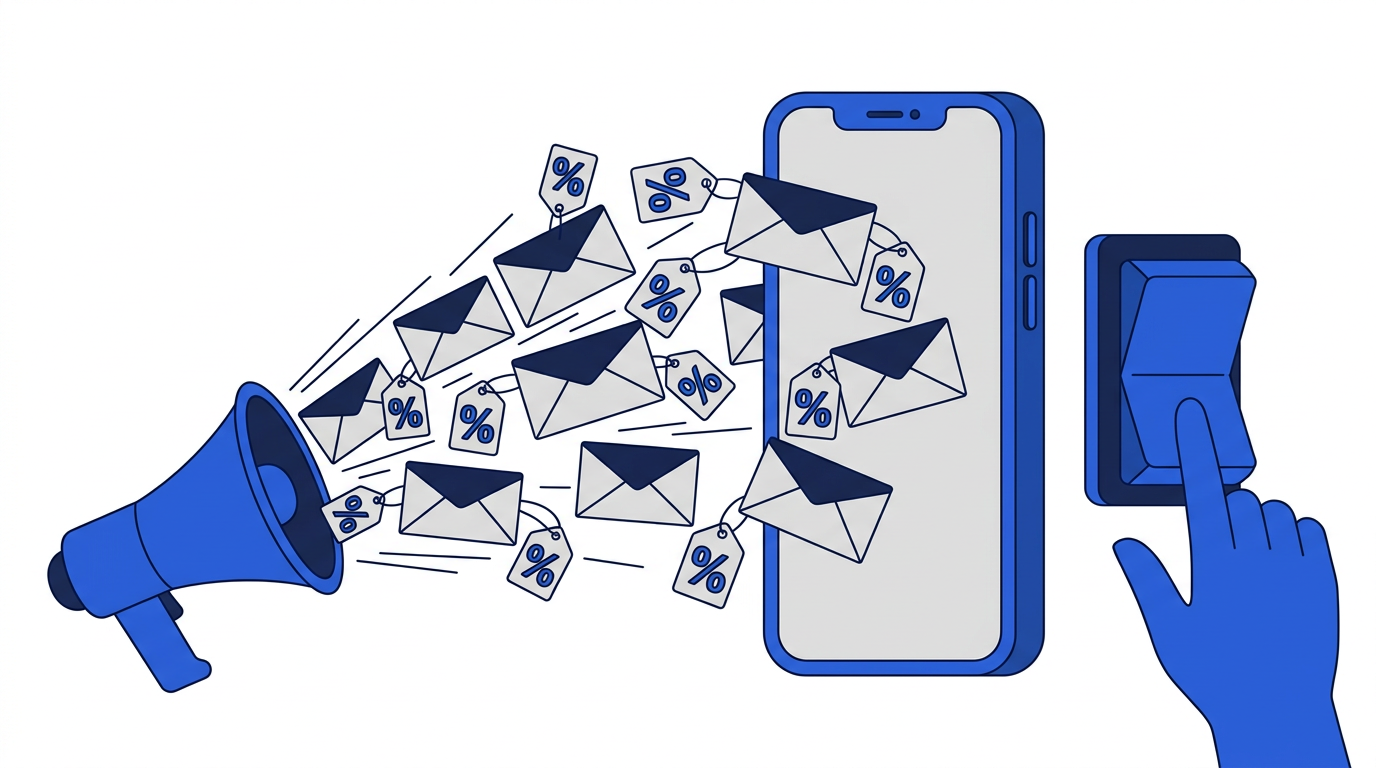
Much of what feels like spam is actually marketing from companies you once gave your address to. These senders are usually legitimate and will honor an unsubscribe request. Spend ten minutes unsubscribing from everything you no longer read. Many providers offer a built-in unsubscribe button at the top of marketing emails that makes this quick. For a full approach, read how to reduce unwanted marketing emails.
Step 6: Create filters and rules
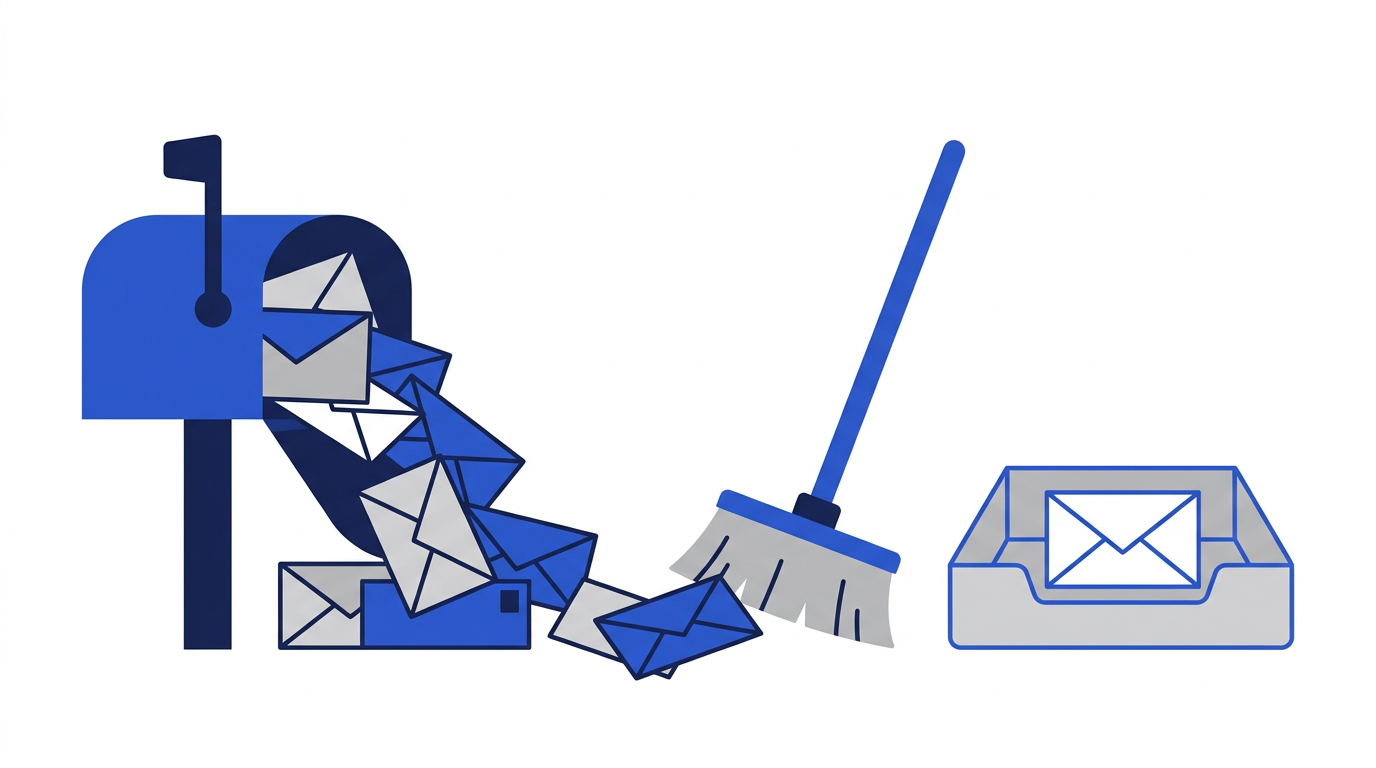
Filters let you automatically sort, label or archive messages based on sender, subject or content. Use them to send newsletters to a separate folder, archive receipts automatically and keep your main inbox focused on people. This does not reduce how much mail arrives, but it dramatically reduces how much demands your attention. Our guide on keeping your main inbox organized has examples.
Step 7: Check whether your address has been breached
Reputable breach-notification services let you check whether your address has appeared in known data breaches and alert you to new ones. If your address has been exposed, change the password for that service and anywhere you reused it, and turn on two-factor authentication for your email account. A breach often explains a sudden increase in spam.
Step 8: Watch for phishing hidden among spam
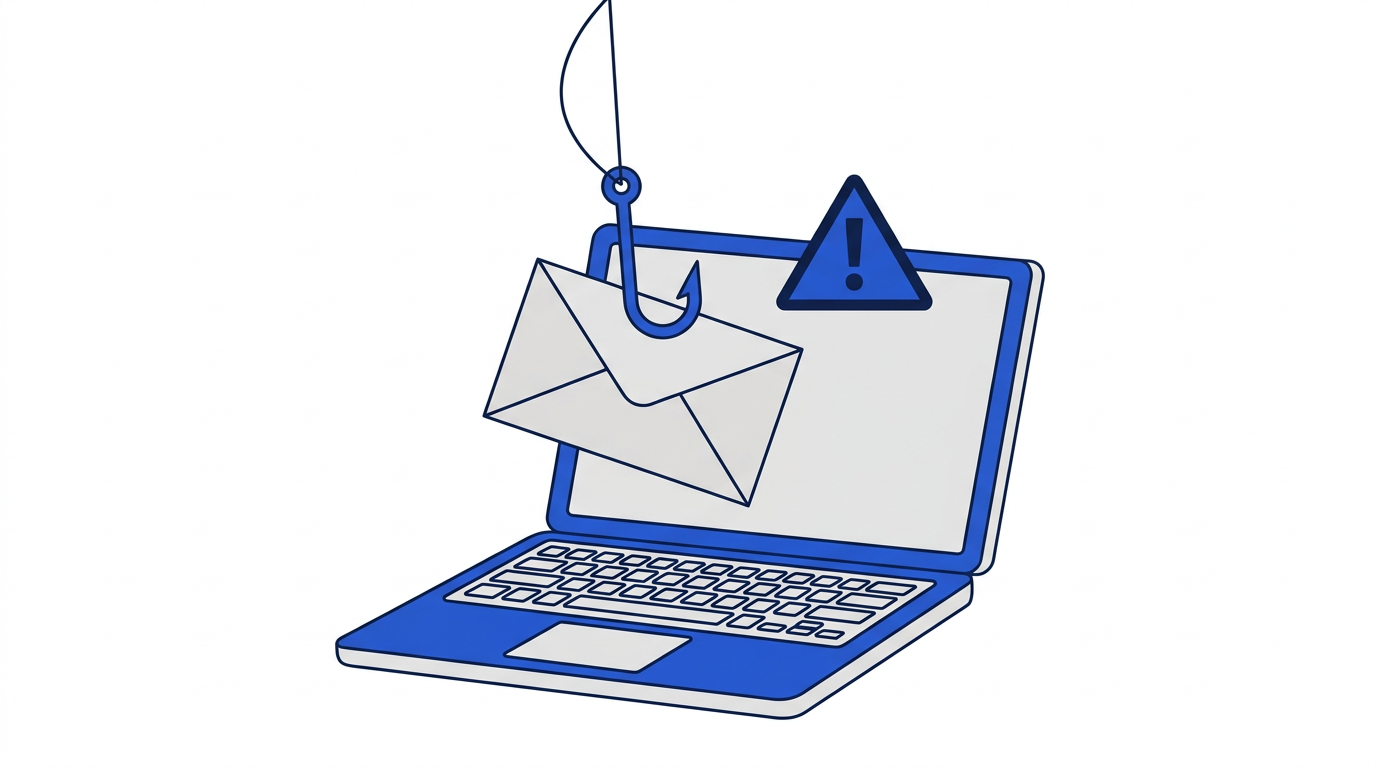
Most spam is harmless clutter, but some of it is designed to steal passwords or money. Messages that create urgency, ask you to log in through a link, or request payment details deserve suspicion even when they look official. Learn the warning signs in how to recognize phishing emails and avoid scams.
What if you already get a lot of spam?
If your address is already heavily targeted, you have two options. You can keep it and rely on filters, reporting and unsubscribing to bring the volume down gradually. Or you can create a new primary address, move important accounts to it and guard it carefully from the start, using temporary email and aliases for everything else. The second option takes an afternoon but gives you a genuinely fresh start.
The short version
- 1Use temporary email for one-time sign-ups.
- 2Use aliases for accounts you keep but don’t fully trust.
- 3Keep your real address off public pages.
- 4Never reply to or click spam; report it instead.
- 5Unsubscribe from legitimate lists you no longer read.
- 6Use filters to keep your inbox focused.
Frequently asked questions
Why am I suddenly getting so much spam?
A sudden increase usually means your address appeared in a data breach or was added to a list that was shared or sold. Report the messages as spam and check whether your address has been breached.
Does a temporary email really reduce spam?
Yes, for the sites you use it with. Any marketing or breach involving that site goes to an address that no longer exists, so it never reaches your real inbox.
Is it safe to click unsubscribe?
For legitimate companies you recognize, yes. For suspicious messages from unknown senders, mark them as spam instead, because clicking can confirm your address is active.