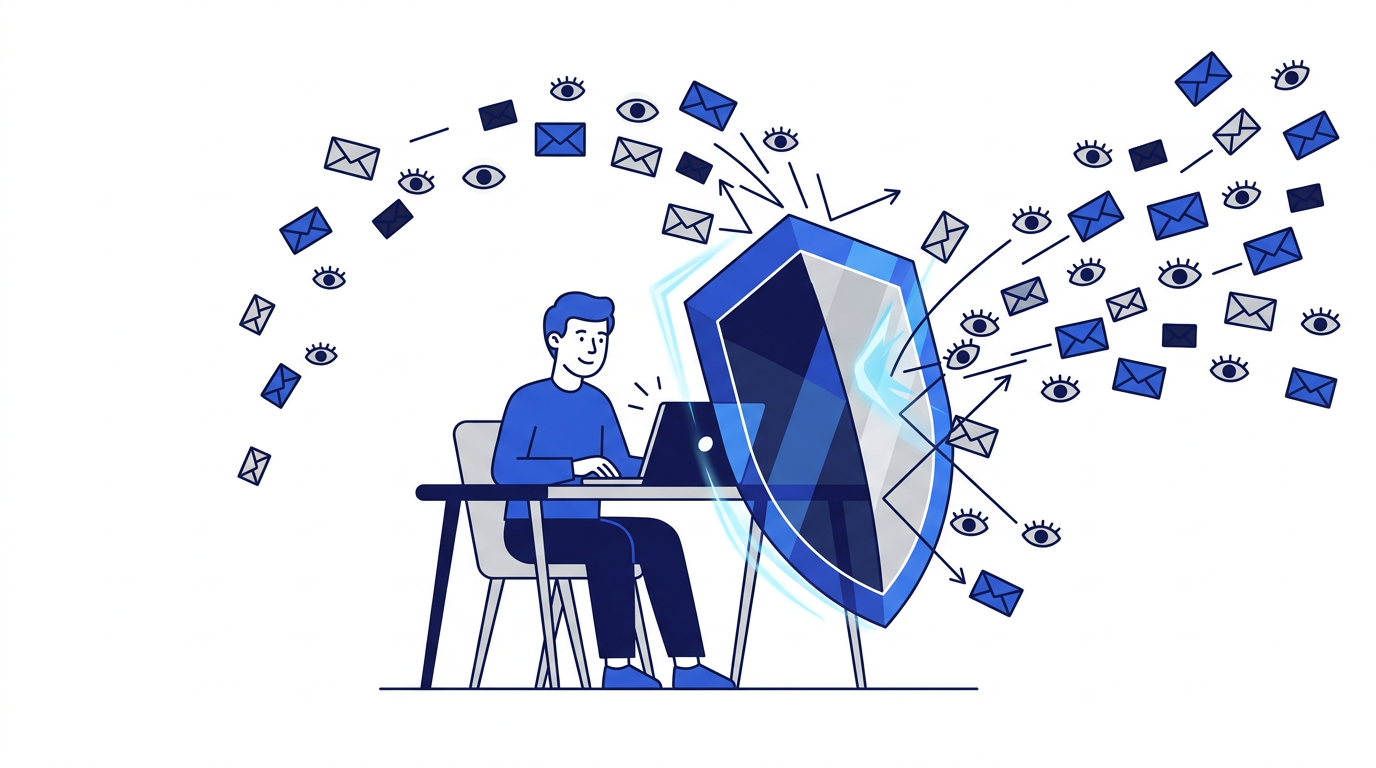
Most marketing emails, and many ordinary ones, report back to the sender. They can reveal when you opened a message, how many times, roughly where you were, what device you used and which links you clicked. This is called email tracking, and it happens silently in the background of almost every newsletter and promotion you receive.
Tracking is not illegal in most places and is often used for routine purposes like measuring whether a campaign worked. But it also feeds detailed profiles of your behavior, and it can confirm to spammers that your address is active. Here is how it works and what you can do about it.
Method 1: Tracking pixels
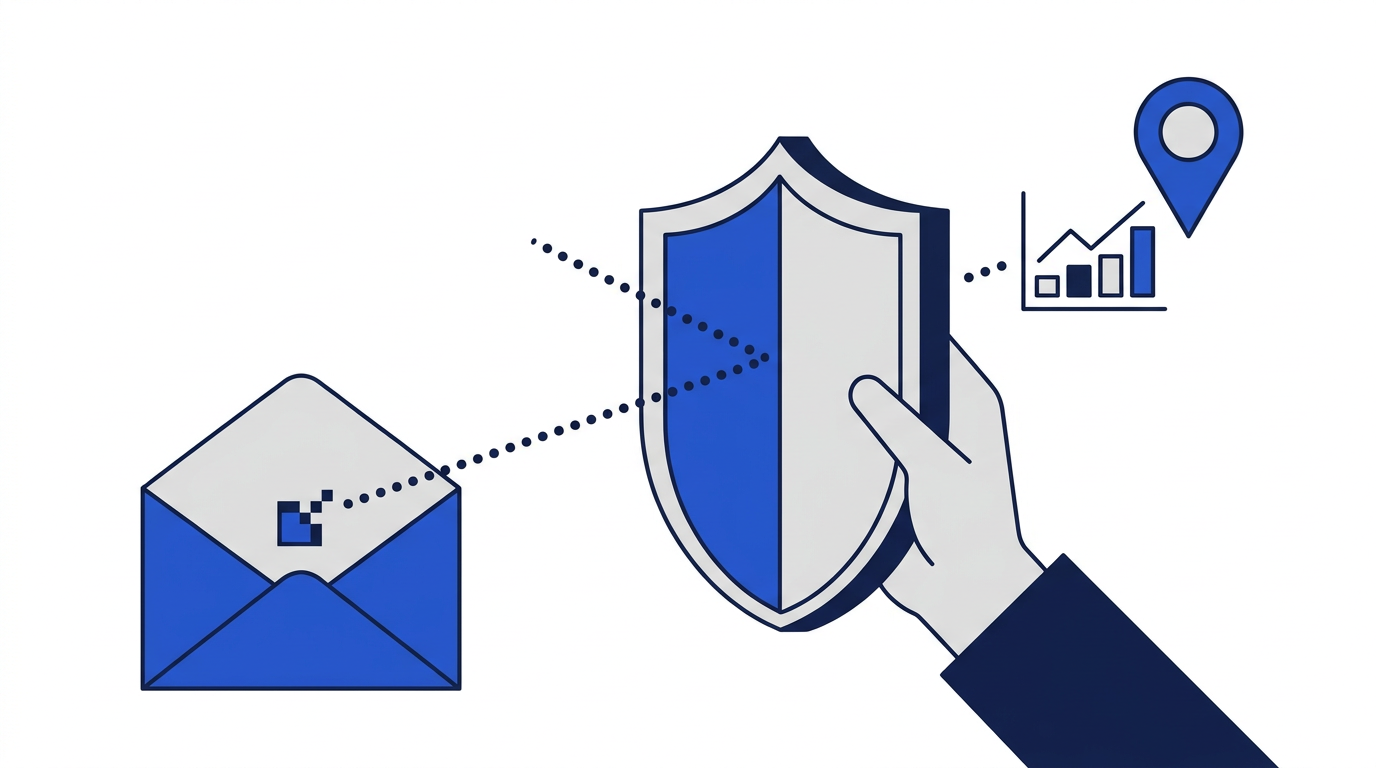
A tracking pixel is a tiny, usually invisible image embedded in an email. Each recipient gets a unique image address. When your email app loads images, it requests that image from the sender's server, and the request reveals that you opened the message, along with the time, your IP address and details about your device and email app.
Method 2: Tracked links
Links in marketing emails rarely point straight to their destination. Instead, they go through a redirect service that records the click, then forwards you to the real page. Each link can be unique to you, so the sender knows exactly which recipient clicked what. Tracked links often also add parameters to the destination address that follow you onto the website.
Method 3: Email address as an identifier
Your email address is often used to link your activity across websites. When you sign up or log in somewhere, a hashed version of your address may be shared with advertising partners, allowing them to recognize you elsewhere. This form of tracking does not depend on opening emails at all; it simply relies on you using the same address everywhere. Read how disposable emails help protect your privacy to see how unique addresses break this link.
What senders can learn
- Whether and when you opened the email, and how many times.
- Your approximate location, based on your IP address.
- Your device type, operating system and email app.
- Which links you clicked and when.
- Whether your address is active, which is valuable to spammers.
How to reduce email tracking
Turn off automatic image loading
Most email apps let you stop images from loading automatically. With images off, tracking pixels cannot report anything until you choose to load them. Some apps also offer privacy features that load images through a proxy, hiding your IP address and location from the sender.
Be selective with links
If you want to visit a website mentioned in a marketing email without being tracked, type its address directly rather than clicking the link. This is also a good defense against phishing.
Use unique addresses
Giving each service a different address, whether an alias or a temporary email, stops companies matching your activity across services through your email.
Unsubscribe from what you do not read
Every newsletter you receive is another chance to be tracked. Cutting down marketing email reduces tracking too. See how to reduce unwanted marketing emails.
Use privacy-focused tools
Some browser extensions and email services detect and block known trackers automatically. They are not perfect, but they add a useful layer of protection.
Is email tracking always bad?
Not necessarily. Businesses use open and click rates to improve their emails and to stop sending to people who are not interested. The problem is that tracking usually happens without clear consent, collects more than necessary and contributes to wider profiling. You have every right to limit it.
The bottom line
Turning off automatic image loading, using unique or temporary addresses and unsubscribing from unwanted lists together remove most email tracking from your life. For a broader set of habits, read the beginner's guide to online email privacy.
Frequently asked questions
Can someone tell if I opened their email?
Often, yes, if the email contains a tracking pixel and your app loads images. Turning off automatic image loading prevents most open-tracking.
Do tracking pixels work in temporary email?
Not on 10 Minute Emails. Remote images are blocked when messages are displayed, so tracking pixels are never loaded.
Is email tracking legal?
In many places it is legal, though some privacy laws require consent or disclosure. Rules vary by country, so the easiest protection is to block images and limit who has your address.