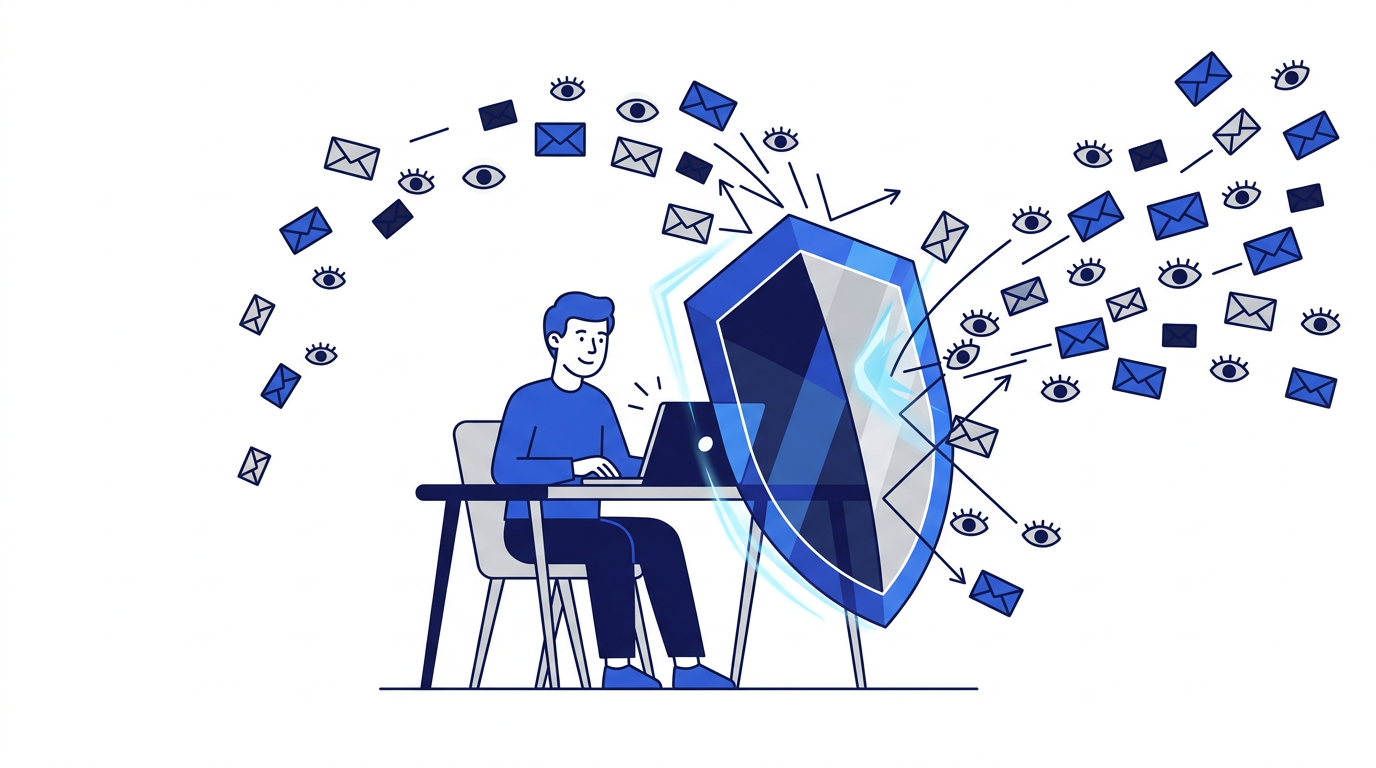
Your email account is the center of your online life. It receives password resets for nearly every other account, it holds years of personal conversations and receipts, and your address is used to identify you across the internet. Protecting it does not require technical expertise. A handful of simple habits make a large difference.
This guide brings together everything a beginner needs, in the order that matters most.
Part 1: Secure the account itself
Privacy starts with making sure nobody else can get into your inbox. If someone takes over your email, they can reset the passwords for your other accounts too.
- Use a long, unique password that you do not use anywhere else. A password manager makes this easy.
- Turn on two-factor authentication, preferably with an authenticator app or security key rather than text messages.
- Keep your recovery phone number and backup email up to date.
- Review the devices and apps that have access to your account and remove any you do not recognize.
- Check for forwarding rules or filters you did not create, which attackers sometimes add quietly.
Part 2: Share your real address less
Every company that has your email address can market to you, profile you and potentially leak it in a breach. Reducing how many have it is one of the most effective privacy steps you can take.
- Use a temporary email for one-time downloads, Wi-Fi portals, contests and trials.
- Use aliases for services you keep but want separated from your main address.
- Keep your real address for people you know and essential services like banking and work.
- Untick pre-selected marketing boxes on forms.
- Keep your address off public websites and profiles.
Read 10 benefits of using a disposable email address and email aliases vs. disposable email to choose the right tool each time.
Part 3: Limit email tracking
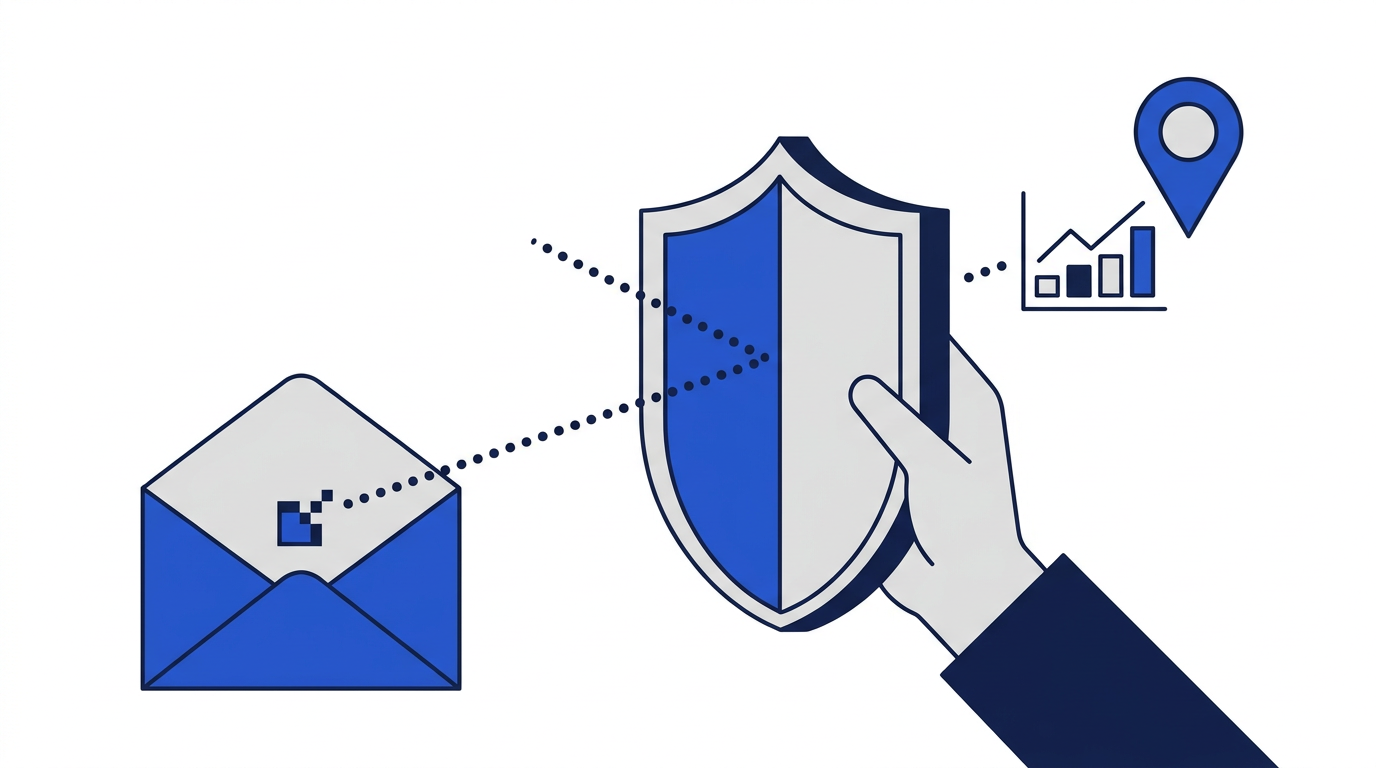
Marketing emails often contain invisible tracking pixels and tracked links that report when you open messages and what you click. Turn off automatic image loading in your email app, or enable its privacy protection feature if it has one. Type website addresses yourself rather than clicking links in promotional emails when you want to avoid tracking. Our article on how email tracking works explains the details.
Part 4: Recognize scams
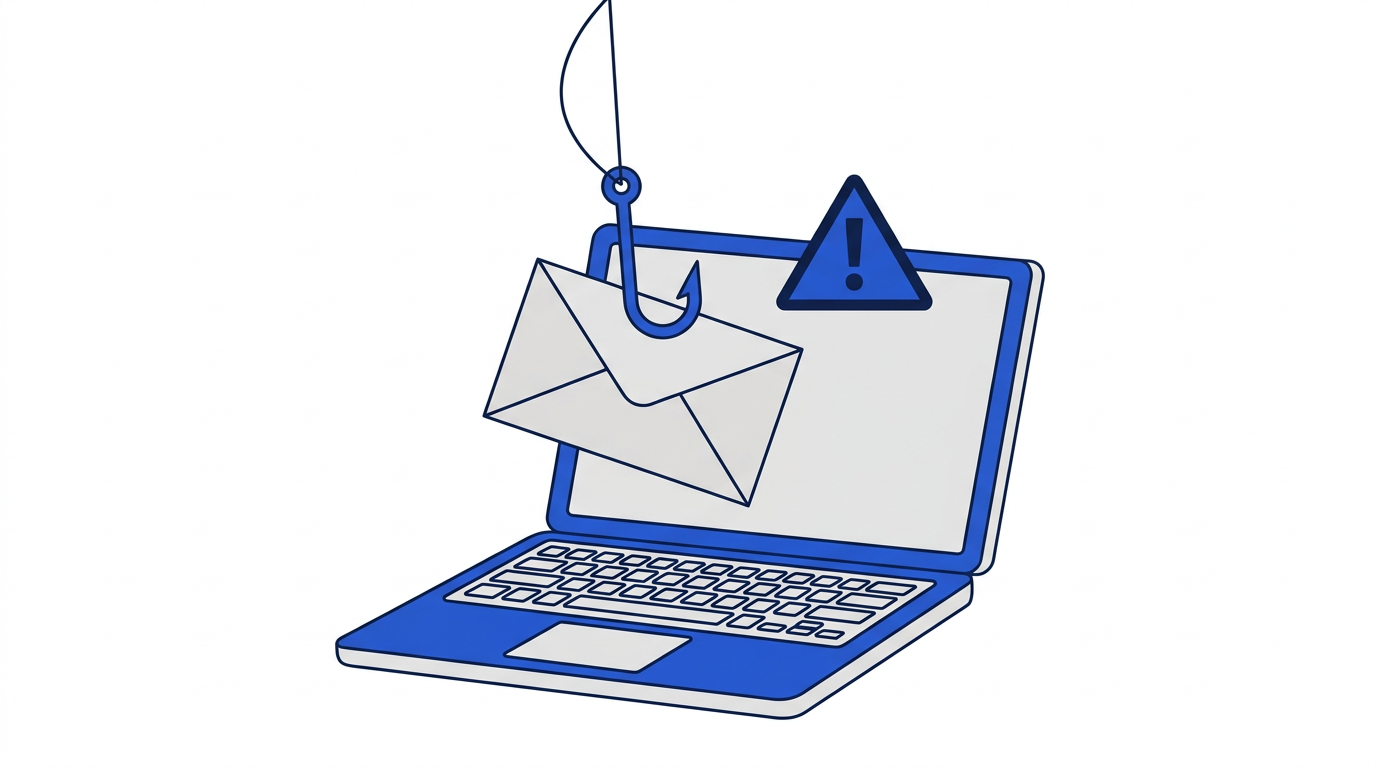
Phishing emails impersonate trusted organizations to steal passwords and money. The main warning signs are urgency, mismatched sender addresses, links that lead somewhere unexpected, and requests for passwords, codes or payment details. When in doubt, ignore the email and go directly to the company's website or app. Learn more in how to recognize phishing emails and avoid scams.
Part 5: Reduce clutter and exposure
A crowded inbox makes scams harder to spot and important messages easier to miss. Unsubscribe from marketing you no longer read, report spam rather than just deleting it and use filters to keep your inbox focused. See how to protect your email address from spam and how to keep your main inbox organized.
Part 6: Clean up old accounts
Old accounts you no longer use still hold your email address and sometimes other personal data. Search your inbox for welcome emails to find services you signed up for years ago, then log in and delete the ones you no longer need. Many privacy laws give you the right to ask companies to delete your data.
Part 7: Check for breaches
Reputable breach-notification services can tell you whether your address has appeared in known data breaches. If it has, change the password for the affected service and anywhere you reused it, and make sure two-factor authentication is on.
Part 8: Know the limits of each tool
No single tool solves privacy. Temporary email protects your address for one-time sign-ups but does not make you anonymous and cannot be used for important accounts. Aliases keep your real address hidden but rely on the alias provider. Image blocking stops most tracking but not link tracking. Combining a few habits gives you strong protection without much effort. Read are temporary email addresses safe to use for a closer look at where temporary email fits.
Your email privacy checklist
- 1Strong, unique password on your email account.
- 2Two-factor authentication turned on.
- 3Recovery options up to date.
- 4Temporary email for one-time sign-ups.
- 5Aliases for services you keep but only partly trust.
- 6Automatic image loading turned off.
- 7Unsubscribed from unwanted marketing.
- 8Old accounts deleted.
- 9Breach alerts set up.
- 10Healthy suspicion of urgent or unexpected emails.
Frequently asked questions
What is the most important email privacy step?
Securing your account with a unique password and two-factor authentication, because your email controls access to most of your other accounts.
How can I keep my email address private?
Share it only with people and services you trust, and use temporary email or aliases for everything else. Keep it off public websites and profiles.
Does temporary email improve privacy?
Yes, for one-time sign-ups. It keeps your real address out of marketing lists, tracking databases and data breaches.