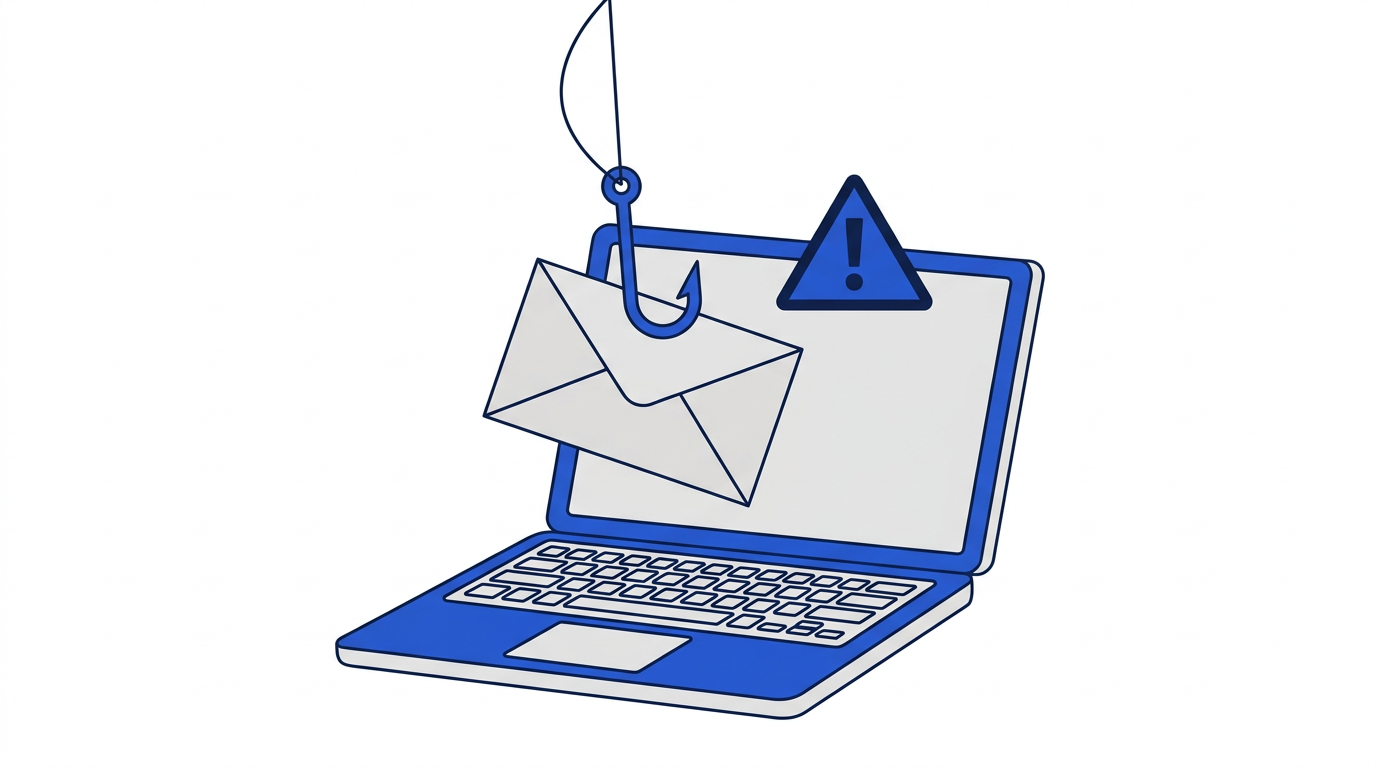
Phishing is a type of scam where a message pretends to come from someone you trust, such as your bank, a delivery company or your employer, in order to trick you into giving away passwords, money or personal information. It is one of the most common ways accounts are compromised, and it works not because people are careless but because the messages are designed to look normal and to make you act quickly.
The good news is that most phishing emails share a handful of warning signs. Once you know them, they become much easier to spot.
Common phishing email examples
These are the scenarios scammers use most often. The details change, but the patterns repeat.
- Account problem: “Your account has been suspended. Verify your details within 24 hours to avoid closure.”
- Delivery issue: “We could not deliver your parcel. Pay a small redelivery fee using the link below.”
- Unexpected payment: “You have been charged for an order you did not place. Click here to cancel.”
- Prize or refund: “You are owed a tax refund” or “You have won a gift card. Claim it now.”
- Password expiry: “Your email password expires today. Log in to keep your account.”
- Boss or colleague: “I need you to buy gift cards for a client urgently. I will reimburse you.”
- Shared document: “A file has been shared with you,” leading to a fake login page.
Warning signs to look for
Urgency or threats
Phishing emails push you to act now: your account will be closed, your money is at risk, the offer ends today. Real companies rarely threaten you with immediate consequences by email. Urgency is a reason to slow down.
A mismatched sender address
The display name might say your bank, but the actual address could be a random string or a lookalike domain with extra words, misspellings or unusual endings. Tap or hover over the sender name to see the full address.
Links that go somewhere unexpected
Hover over a link on a computer, or long-press it on a phone, to preview the destination. If it does not lead to the company's real website, do not click. Be wary of shortened links and domains that only look similar to the real one.
Requests for sensitive information
Legitimate organizations do not ask you to send passwords, full card numbers, PINs or verification codes by email. Any message asking for these should be treated as a scam.
Unexpected attachments
Invoices, documents and shipping labels you were not expecting can contain malware. Do not open attachments from unknown senders, and be cautious even with familiar names if the message feels off.
Generic greetings and odd language
Greetings like Dear customer, awkward phrasing and unusual formatting can be signs of a scam, though modern phishing is often polished. Do not rely on spelling mistakes alone.
What to do if you receive a phishing email
- 1Do not click links, open attachments or reply.
- 2Report it using your email app’s Report phishing or Report spam option.
- 3If it impersonates a company you use, contact that company through its official website or app.
- 4Delete the message.
What to do if you clicked or entered details
- 1Change the password for the affected account immediately, from the real website or app.
- 2Change it anywhere else you used the same password.
- 3Turn on two-factor authentication.
- 4If you entered card or bank details, contact your bank straight away.
- 5Watch your accounts for unusual activity and check for new forwarding rules in your email settings.
- 6If you downloaded a file, run a security scan on your device.
How to reduce phishing in the first place
The fewer databases your real address appears in, the fewer brands scammers can convincingly impersonate. Using a temporary email for one-time sign-ups keeps your main address out of many marketing lists and breaches. Read how to protect your email address from spam for more ways to limit exposure.
Temporary inboxes on this site also reduce some technical risks: scripts are stripped, remote images are blocked and attachments are never stored. That does not stop a convincing scam message, though, so the same warning signs apply wherever you read your email. See are temporary email addresses safe.
Frequently asked questions
What is the most common phishing email?
Messages claiming there is a problem with an account, payment or delivery are among the most common, because they create urgency and appear routine.
Can opening a phishing email hurt me?
Simply opening it is usually low risk, though loading images can confirm your address is active. The real danger comes from clicking links, opening attachments or entering information.
Will my bank ever ask for my password by email?
No. Legitimate banks do not ask for passwords, PINs or verification codes by email. Treat any such request as a scam.