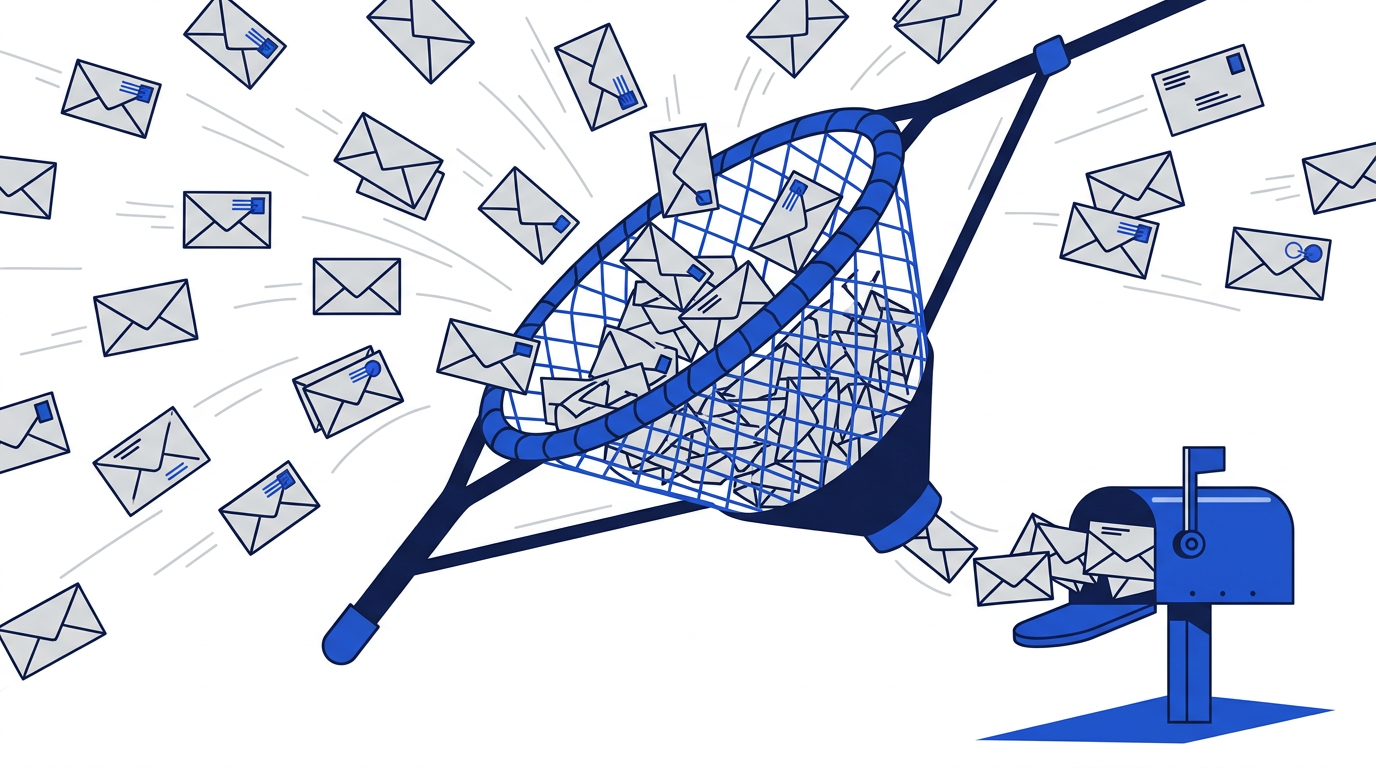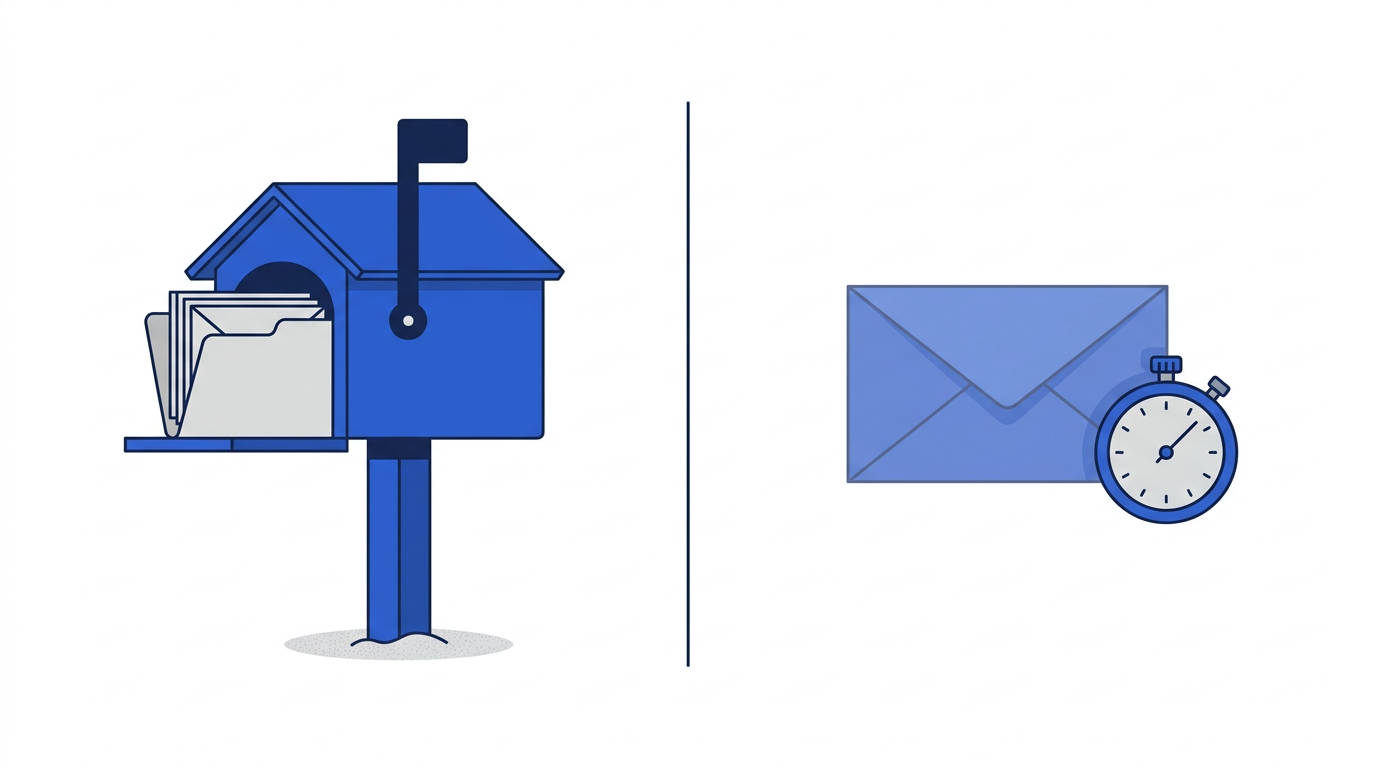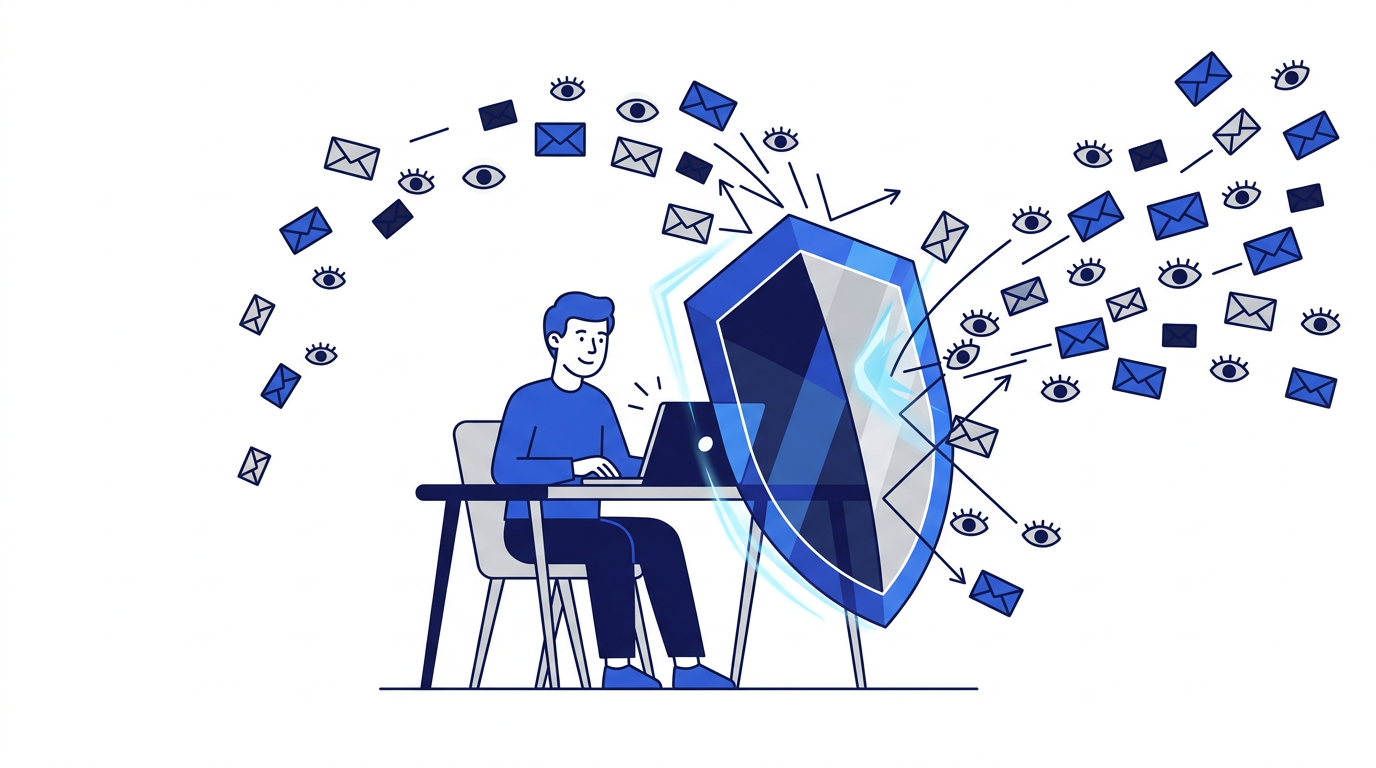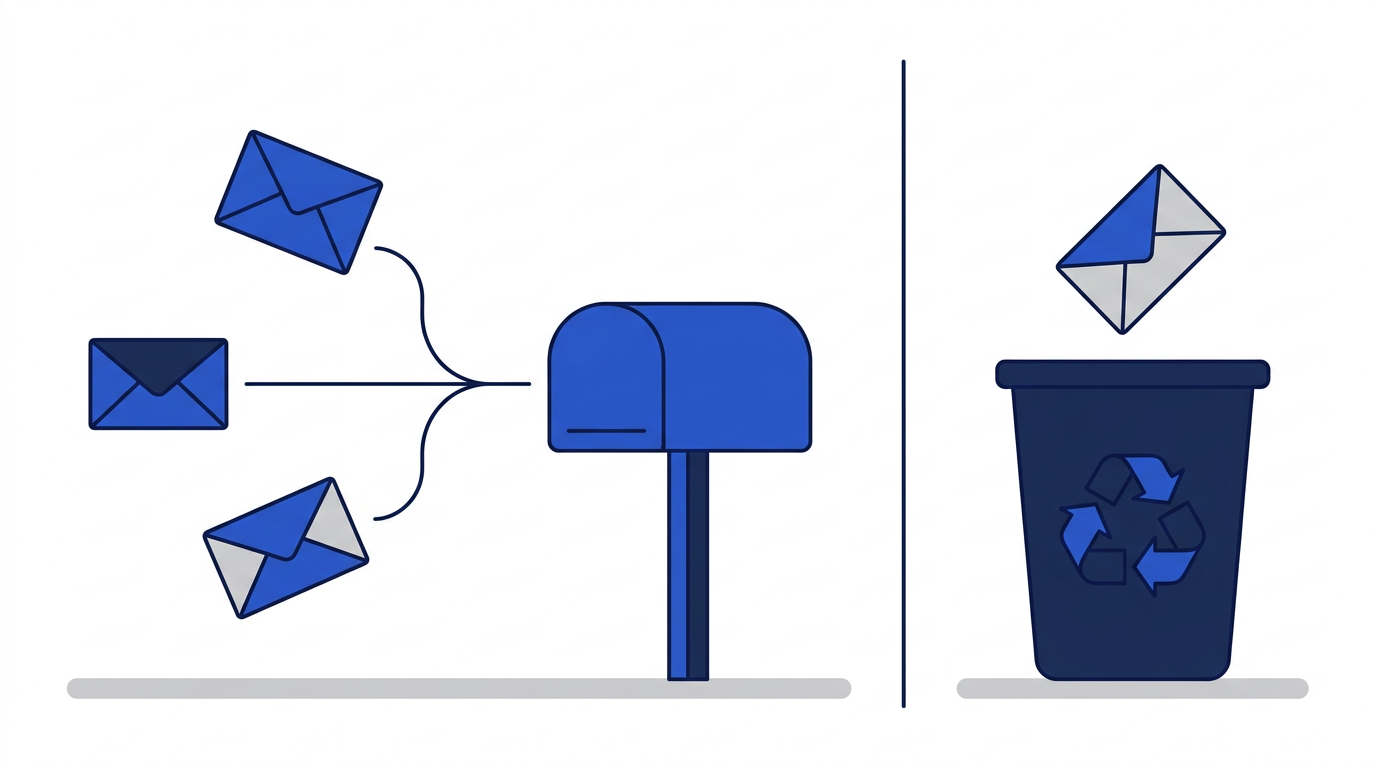
If you want to stop handing your real email address to every website, you have two main tools: email aliases and disposable email addresses. Both give a website an address that is not your main one. Both reduce spam and protect you in data breaches. But they are built for different jobs, and choosing the wrong one can mean either an inbox full of clutter or a lost account.
What is an email alias?
An email alias is an extra address that forwards messages to your real inbox. The website sees the alias, never your real address. When the site emails you, the message arrives in your normal inbox, usually marked with the alias it was sent to. If the alias starts receiving spam, you can switch it off, and the messages stop.
Aliases come in a few forms. Many mail providers support plus addressing, where you add a tag to your address such as yourname+shop@ provider. Some providers and privacy services let you create completely separate, random aliases. And if you own a domain, you can create as many addresses as you like, or use a catch-all address.
What is a disposable email address?
A disposable email address is a short-lived inbox that is not connected to you at all. On 10 Minute Emails it lasts 10 minutes by default, up to an hour with extensions, and then it and its messages are permanently deleted. Nothing is forwarded to your real inbox, there is no account and nothing remains afterward. Learn the basics in what is a temporary email address.
Side-by-side comparison
- Lifespan: aliases last until you turn them off; disposable addresses expire in minutes.
- Where mail goes: aliases forward to your real inbox; disposable mail stays in a temporary inbox.
- Setup: aliases need an account with a provider or service; disposable email needs nothing.
- Account recovery: aliases receive password resets; disposable addresses cannot after expiry.
- Replying: some alias services let you reply through the alias; disposable addresses on this site are receive-only.
- Link to you: aliases are linked to your account with the alias provider; disposable addresses are not linked to you.
- Best for: aliases suit accounts you keep; disposable email suits one-time interactions.
The weakness of plus addressing
Plus addressing is free and convenient, but it has a flaw: your real address is still visible. Anyone can remove the tag to reach your main inbox, and some websites strip it automatically. It is useful for sorting mail and spotting which company shared your address, but it is weak protection against determined spammers.
When to use an email alias
- Online shops you buy from regularly.
- Newsletters you actually want to read.
- Subscription services and memberships.
- Social media and community accounts you plan to keep.
- Any account you might need to recover with a password reset.
When to use a disposable email
- Downloading a one-time guide or file.
- Public Wi-Fi portals.
- Trying a service before deciding whether to trust it.
- One-off comments or forum questions.
- Testing sign-up and verification emails on your own site.
Privacy differences
Both options stop websites from linking your activity through a shared email address. The difference is who else is involved. With an alias, the alias provider knows which aliases belong to you and handles your forwarded mail, so you need to trust that provider. With a disposable address, there is no account at all, and the messages are deleted when the address expires. For more, read how disposable emails help protect your privacy.
Which should you choose?
Ask whether you will ever need to hear from the website again. If yes, use an alias, so you keep password resets and receipts while still hiding your real address. If no, use a disposable address, so nothing about the interaction follows you. When in doubt, an alias is the safer choice, because you can always switch it off later, while an expired disposable address cannot be brought back.
Frequently asked questions
Is an email alias the same as a temporary email?
No. An alias forwards to your real inbox for as long as you keep it. A temporary email is a separate inbox that expires and deletes its messages.
Can websites detect email aliases?
Plus-addressed aliases are easy to spot and sometimes stripped. Random aliases from privacy services are harder to detect, though some sites block known alias domains.
Can I receive password resets with an alias?
Yes. Because aliases forward to your real inbox, password resets and security alerts arrive normally, which makes aliases suitable for accounts you keep.