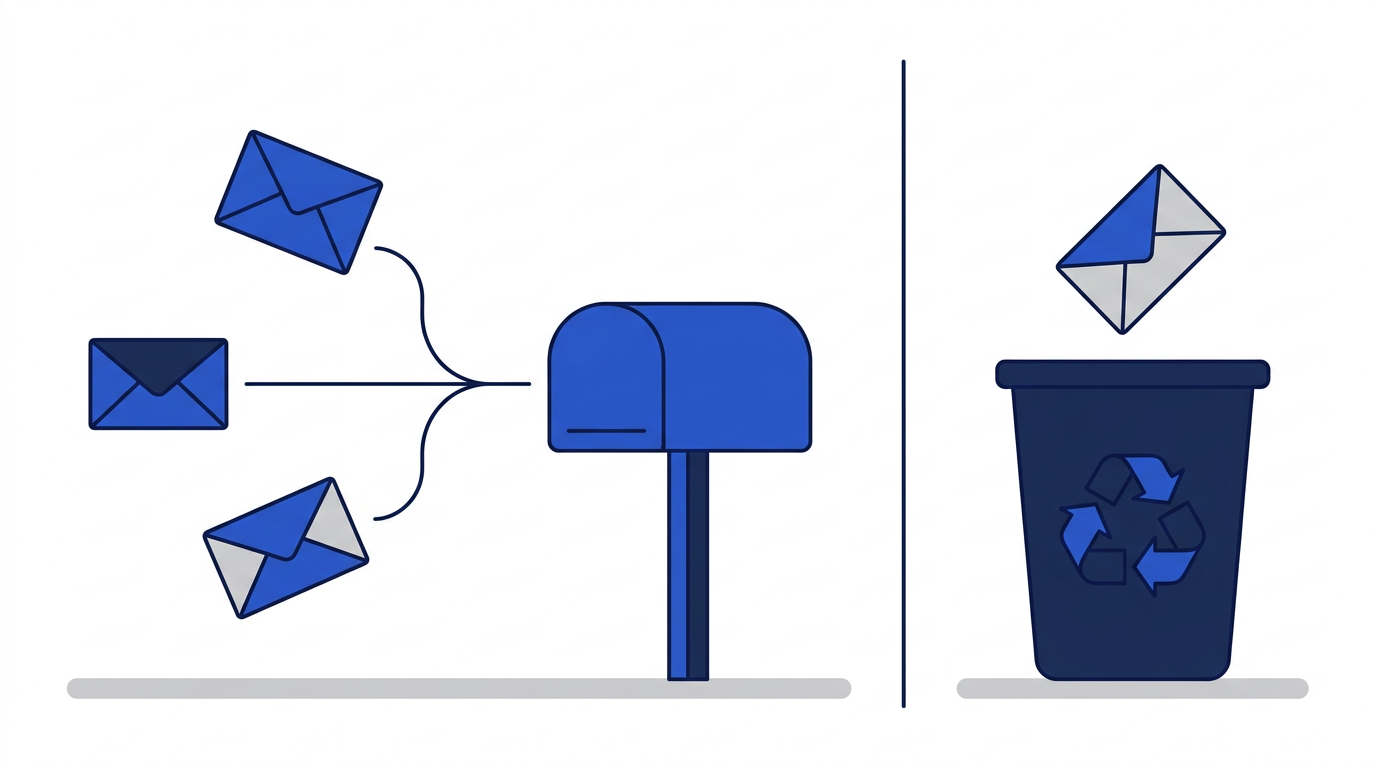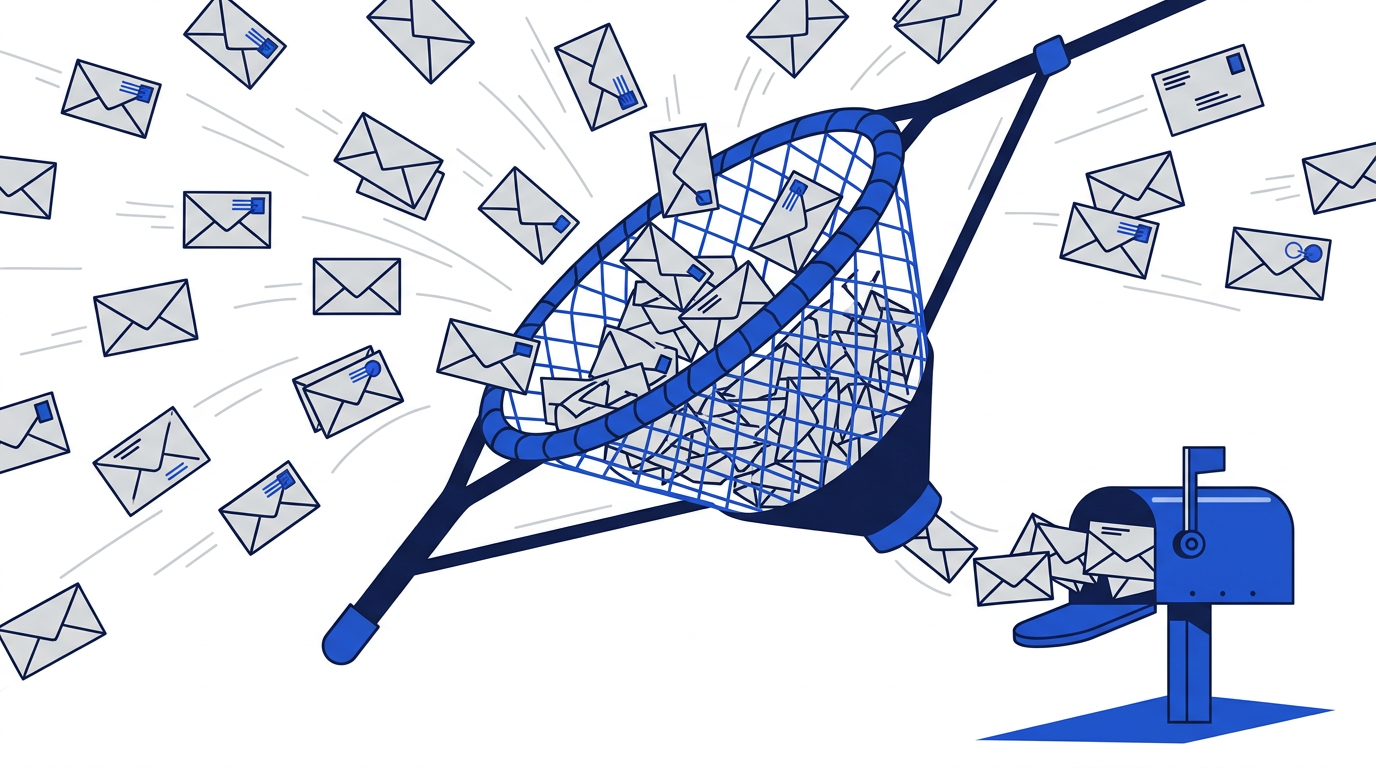
A catch-all email address is a mailbox that receives every message sent to a domain, regardless of the name before the @ sign. If you own example.com and turn on catch-all, mail sent to shop@, newsletter@ or anything-you-like@ example.com all lands in the same inbox, even if you never created those addresses.
Catch-all is popular with small businesses and privacy-minded people who own their own domain. It is also one of the ideas that makes temporary email services possible. Here is how it works, why people use it and where it falls short.
How a catch-all address works
Normally, a mail server only accepts messages for addresses that exist. If you send to an address that has not been created, the server rejects it and you receive a bounce. With catch-all enabled, the server accepts mail for any address on the domain and delivers it to one designated mailbox. You do not need to set anything up in advance for each new address.
Why people use catch-all email
A unique address for every website
With catch-all, you can invent a new address on the spot for every service, such as the name of the website before your domain. Each company sees a different address, and you can tell exactly who shared or leaked your details when spam arrives at one of them.
Never missing misaddressed mail
Businesses sometimes use catch-all so that messages sent to a misspelled name or an old employee's address still arrive somewhere.
Easy filtering
Because each address is unique, you can create filters that sort mail by the address it was sent to, or block a single address that has started receiving spam.
The downsides of catch-all
- Spam volume: spammers often send to random names on known domains, and a catch-all accepts all of it.
- You need your own domain and an email provider that supports catch-all, which usually costs money.
- Blocking is reactive: you can only block an address after it has started receiving spam.
- All mail still reaches you: catch-all hides your main address, but it does not make anything disappear.
- Misdirected sensitive mail: messages meant for someone else with a similar address could end up with you.
How catch-all relates to temporary email
Temporary email services use a related idea. The service's domain is configured to accept mail for many addresses, and each incoming message is matched to the right temporary inbox. The key differences are what happens next:
- A personal catch-all delivers everything to your own permanent mailbox; a temporary inbox is separate from your real email.
- Catch-all addresses keep working indefinitely; temporary addresses on this site expire and delete their messages.
- Catch-all needs a domain and setup; temporary email needs nothing.
- With catch-all, every address leads back to you; a temporary address leads nowhere once it expires.
For accounts you want to keep, a catch-all or alias setup is excellent. For one-time interactions, temporary email is simpler and leaves no trace. Learn more in what is a temporary email address.
Setting up catch-all
- 1Register a domain if you do not already have one.
- 2Choose an email provider that supports custom domains and catch-all.
- 3Add the provider’s MX records to your domain’s DNS settings.
- 4Enable the catch-all or default mailbox option in your provider’s settings.
- 5Create filters to sort or block mail by recipient address.
Exact steps vary by provider, so follow their documentation. Once it is running, combine it with good habits from how to protect your email address from spam.
Frequently asked questions
Is catch-all email a good idea?
It can be, especially for privacy and for tracking who shares your address. The trade-off is extra spam, so pair it with good filters.
Do I need my own domain for catch-all?
Yes. Catch-all is a setting on a domain you control, so free addresses from big providers cannot use it.
Is catch-all the same as a temporary email?
No. Catch-all delivers mail for any address on your domain to your permanent mailbox. Temporary email gives you a separate inbox that expires and deletes itself.