Most people think of their email address as a way to receive messages. To advertisers, data brokers and analytics companies, it is something more valuable: a stable identifier that links your behavior across websites, apps and even offline purchases. Unlike cookies, which you can clear, your email address stays the same for years and appears in dozens or hundreds of databases.
Disposable email addresses break that link for the many small interactions where you do not need a lasting relationship. This article explains how that works, where its limits are and how to fit disposable email into a broader privacy routine.
Why your email address is a privacy risk
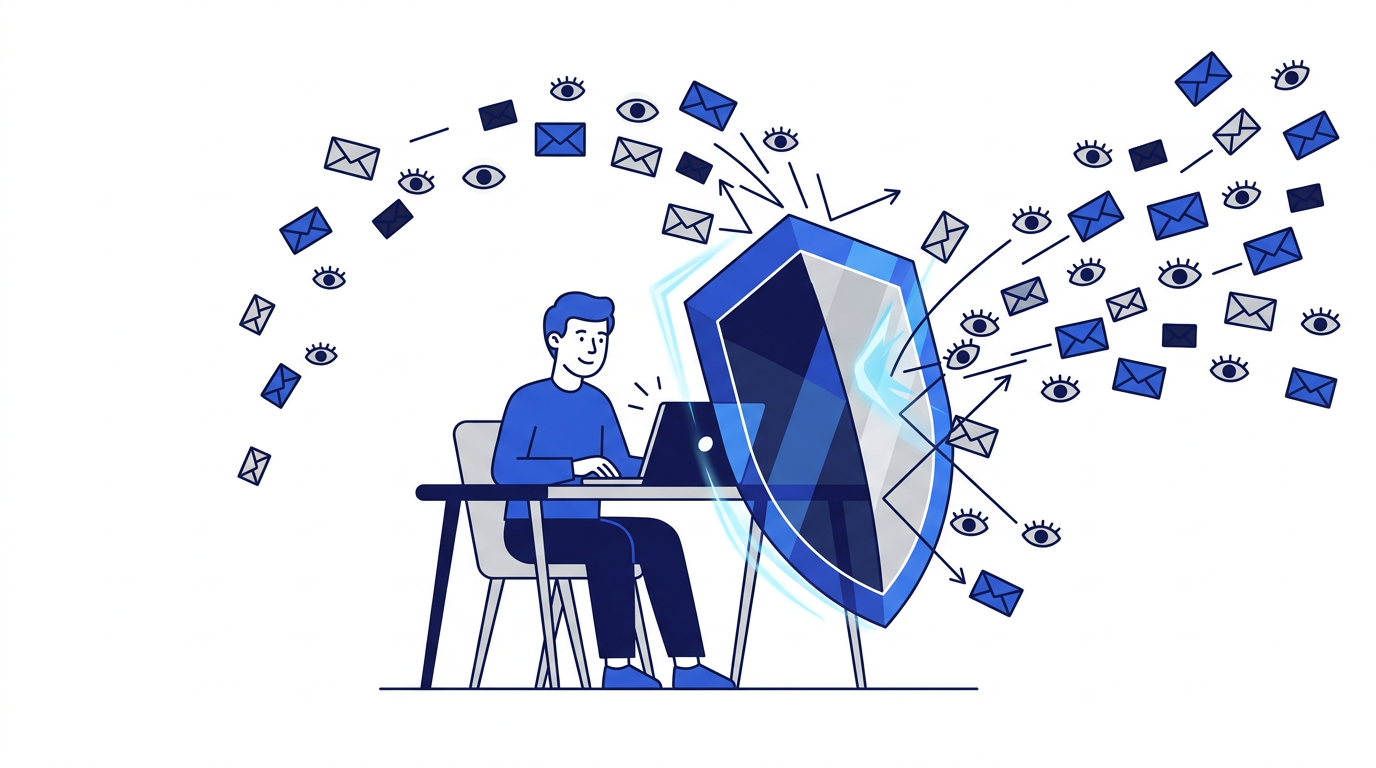
When you sign up for a service, your email address is often turned into a hashed identifier and shared with advertising partners. Because the same address is used everywhere, those partners can match you across services: the shoe shop, the news site and the fitness app all become pieces of one profile. That profile can include your interests, purchases, location patterns and more, and it can be sold, combined with other data and kept indefinitely.
Your address also connects you to every data breach involving a site you have used. Breached lists are combined into large databases that criminals search for targets. The more places your address appears, the more complete their picture of you becomes.
How disposable email protects you
- No link between sign-ups. Each disposable address is random and used once, so it cannot be matched to your other accounts.
- Nothing to sell. A marketing list containing an expired address is worthless to anyone who buys it.
- Breaches lead nowhere. If the site is hacked, the leaked address points to an inbox that no longer exists.
- No personal details in the address. Many real addresses contain your name; random disposable addresses do not.
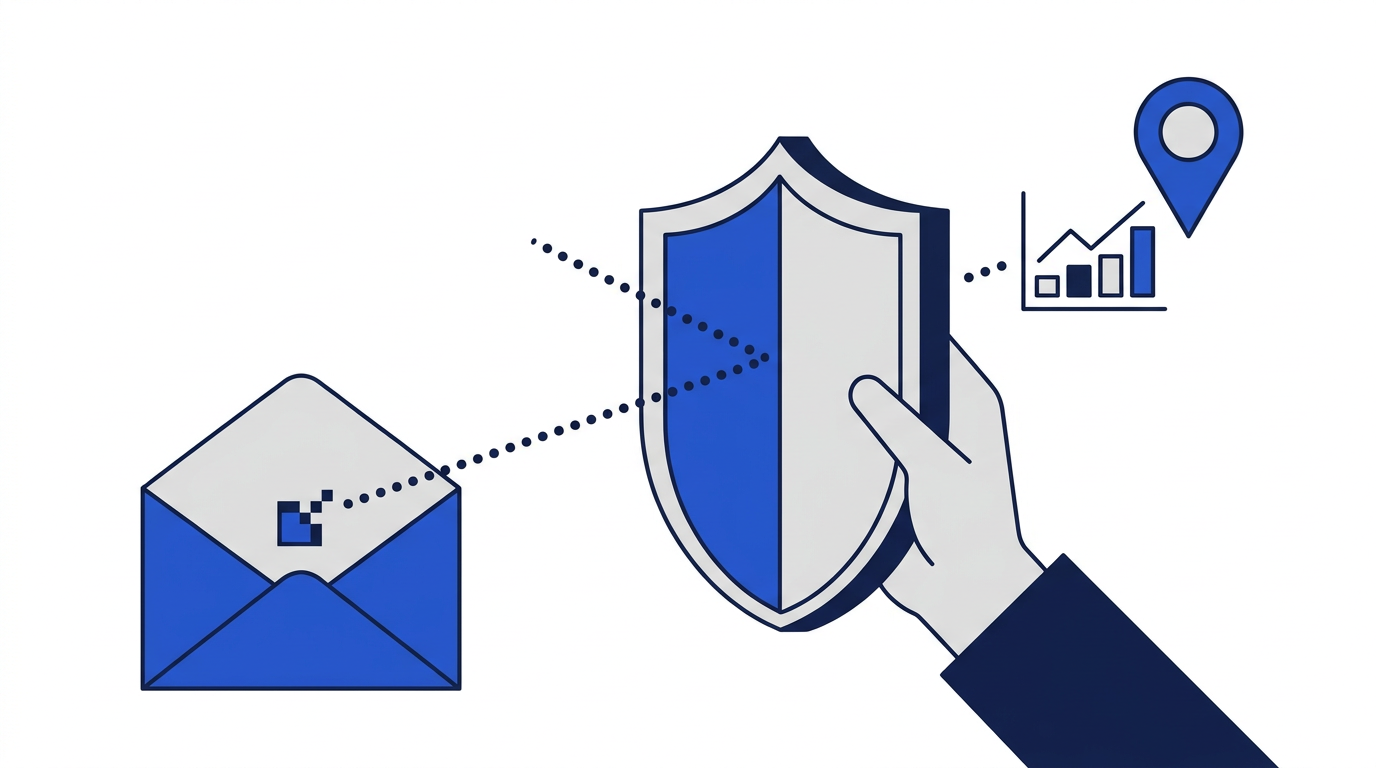
- Fewer tracking pixels. This site blocks remote images, so marketing emails cannot report when you opened them. Read how email tracking works.
What disposable email does not hide
It is important to be clear about the limits. A disposable address protects your email, not your whole identity. When you use a website, it can still see:
- Your IP address, which reveals your approximate location and internet provider.
- Your browser, device and operating system details.
- Cookies and other tracking already stored in your browser.
- Anything you type into forms: your name, phone number, address or payment details.
- Your behavior on the site itself.
Disposable email vs. aliases for privacy
Email aliases offer a similar privacy benefit for accounts you want to keep. An alias is a unique address that forwards to your real inbox, so each service sees a different address and cannot match you to the others. You can turn off an alias if it starts receiving spam. Disposable email is better when you never need to hear from the sender again; aliases are better when you do. See email aliases vs. disposable email addresses for a full comparison.
Building a privacy routine around disposable email
- 1Keep one primary address for important accounts and protect it with a strong password and two-factor authentication.
- 2Use aliases for services you keep but want separated from your primary address.
- 3Use disposable email for one-time downloads, Wi-Fi portals, trials and contests.
- 4Turn off automatic image loading in your main email app to limit tracking.
- 5Avoid entering more personal information than a form actually requires.
- 6Review old accounts occasionally and delete ones you no longer use.
This routine takes very little effort once it becomes a habit, and it limits how far any single company or breach can reach into your life. For a complete walkthrough, read the beginner's guide to online email privacy.
How 10 Minute Emails handles your privacy
This site does not ask for your name, email or phone number. Addresses are random, inboxes are tied to your browser session and messages are permanently deleted when the address expires. Messages are stored only for the life of the inbox so you can read them, and attachment contents are never stored. You can read the details in our privacy policy.
The bottom line
Every time you give out your real email, you add one more connection between your identity and a company you may never think about again. Disposable email lets you skip that connection when it is not needed. It is not a complete privacy solution, but it is one of the easiest and most effective habits you can adopt.
Frequently asked questions
Is a disposable email anonymous?
Not completely. It keeps your real email private, but websites can still see your IP address, browser details and anything you type into their forms.
Can websites tell I am using a disposable email?
Some can, because they keep lists of known temporary email domains. Those sites may refuse the address, which is a sign they expect a long-term relationship.
Do disposable emails stop email tracking?
They prevent your activity from being linked to your real address. On this site, remote images are also blocked, which stops most open-tracking pixels.