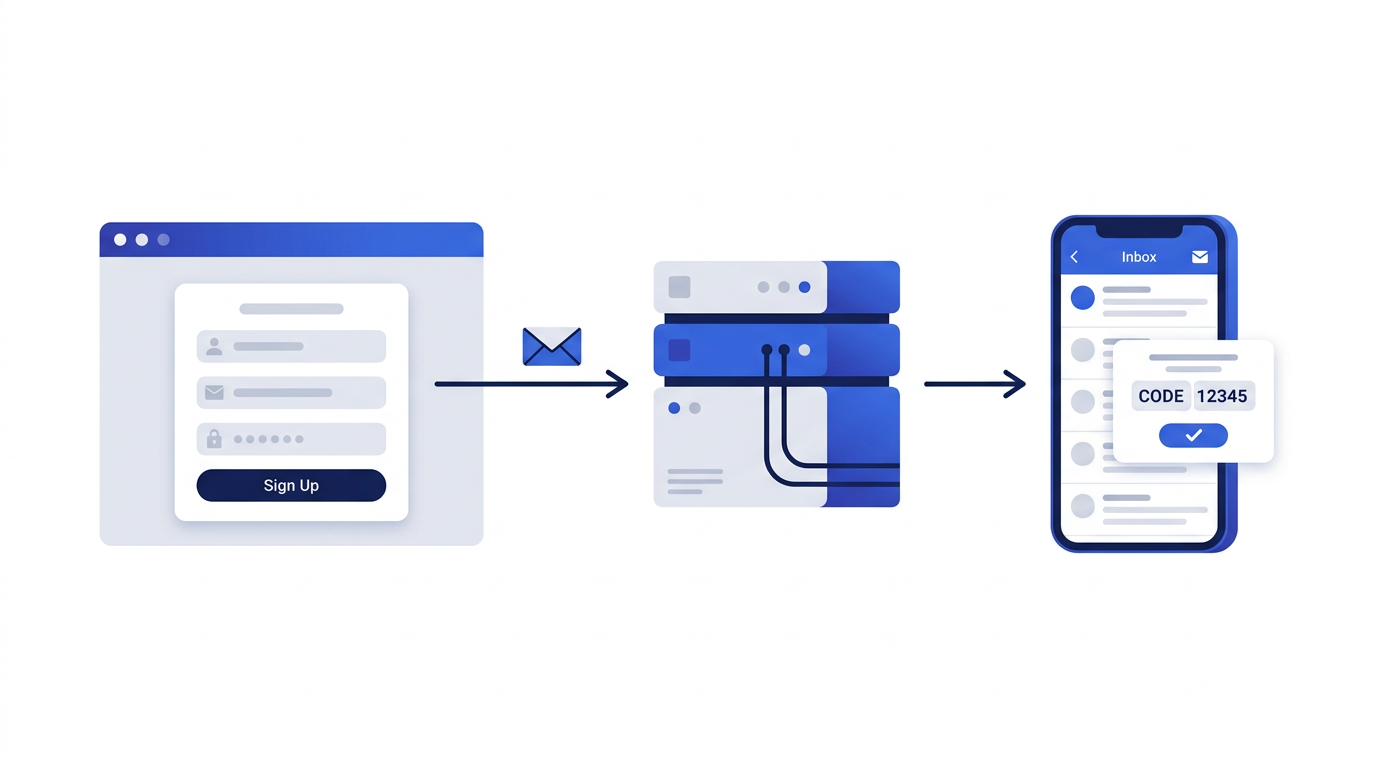
Temporary email is simple to use, which is exactly why small mistakes are easy to make. Most of them come down to the same thing: forgetting that the address is designed to disappear. Here are the ten most common disposable email mistakes, and how to avoid each one.
1. Using it for an account you need to keep
This is the big one. If you register an account with a temporary address and later forget the password, the reset link goes to an inbox that no longer exists. Before you use temp mail, ask whether you would mind losing the account forever. If you would, use your real address or an alias. Read when to use a temporary email address.
2. Using it for banking or payments
Financial accounts depend on email for fraud alerts, statements and security codes for as long as they exist. A temporary address cuts you off from all of that. We explain why in detail in why you should avoid temporary email for banking.
3. Letting the timer run out while waiting
Some verification emails take a few minutes to arrive. If the timer expires first, the message is lost. Keep an eye on the countdown and extend it while you wait. On this site you can add 10 minutes up to five times, but only before the address expires.
4. Not copying codes and links straight away
Once the inbox expires, everything in it is deleted. If you might need a code, link or piece of information later, copy it as soon as it arrives.
5. Typing the address by hand
Random addresses are easy to mistype. One wrong character and the email goes elsewhere. Always use the Copy button and paste the address.
6. Receiving sensitive information
Temporary inboxes have no password. Anyone with access to your browser could see the current inbox. Never use a temporary address to receive personal documents, financial details, medical information or anything private. See are temporary email addresses safe to use.
7. Assuming it makes you anonymous
A temporary address hides your email, but websites can still see your IP address, browser details and anything you type into their forms. It is a privacy improvement, not an anonymity tool. Read how disposable emails help protect your privacy.
8. Leaving the inbox open on a shared computer
On a library, hotel or work computer, the next person to open the site in the same browser session could see your inbox. When you are done, delete the address and close the tab.
9. Trusting every message in the inbox
A temporary inbox receives whatever is sent to it, including scams. Message cleaning on this site removes scripts, remote images and attachments, but it cannot stop a convincing fake login page. Apply the usual caution. Our guide to recognizing phishing emails covers the warning signs.
10. Using it to break the rules
Temporary email is for protecting your privacy, not for creating fake reviews, evading bans, abusing free trials or harassing people. Misuse can get you banned from services and, in some cases, break the law. It also leads more websites to block temporary email for everyone.
Fixing a mistake you have already made
If you used a temporary address for an account you now want to keep, and the address is still active, go to the account settings and change the email to your real address or an alias immediately. If the temporary address has already expired, contact the service's support team; they may be able to verify your identity another way. Read what happens when a temporary email expires for more.
Ready to use temporary email the right way? The temporary email generator is on our home page, and our step-by-step guide explains the rest.
Frequently asked questions
What is the biggest mistake people make with temporary email?
Using it for an account they later need. Once the address expires, password resets and security alerts can no longer reach them.
Can I change my email after signing up with a temporary address?
Often yes, through the account settings, but do it before the temporary address expires because many sites send a confirmation to the old address.
Is it wrong to use a temporary email?
No. Using it to protect your privacy is perfectly reasonable. It becomes a problem only when used for abuse or to get around a website’s rules.