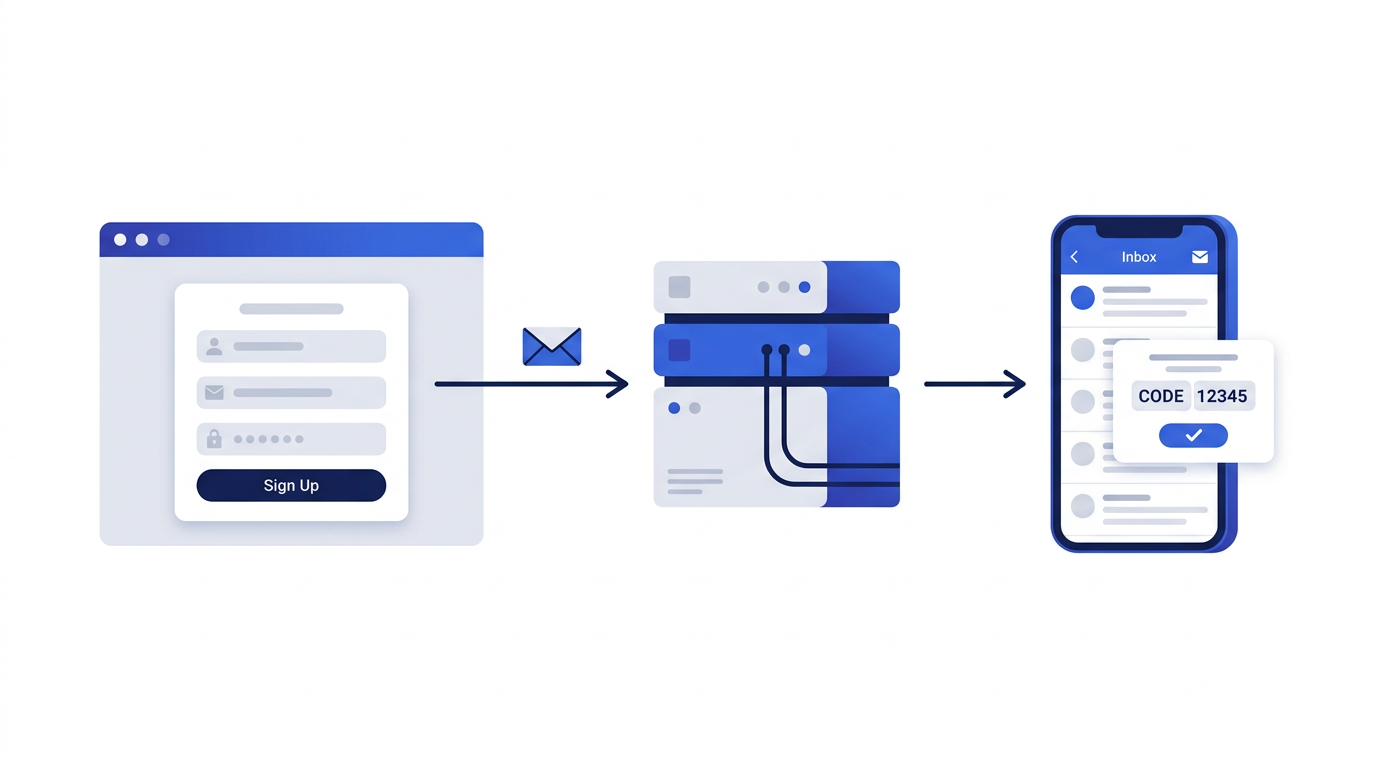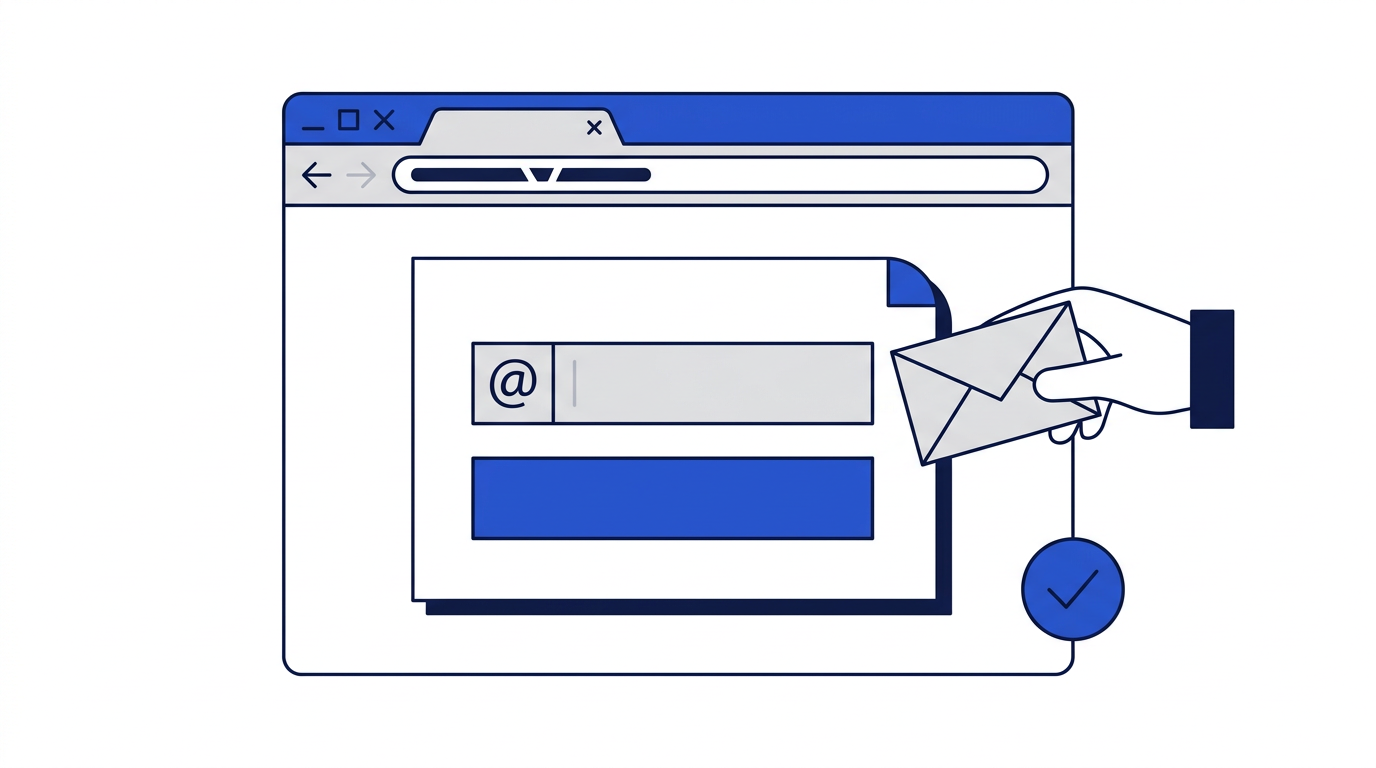
Yes. A temporary email address can receive verification codes and confirmation links just like any other inbox. The address is real, its domain is configured to receive mail, and messages are delivered within seconds. In fact, receiving a single verification message is the most common reason people use temporary email in the first place.
There are, however, a few situations where codes do not arrive, and some where you should not use a temporary address for verification even though it would technically work. This article covers both.
How email verification works
When you sign up for a service, it sends a message to the address you entered. The message contains either a link to click or a short code, often six digits, to type back into the website. Completing that step proves the address exists and that you can read it. For a fuller explanation of why sites do this, read why websites ask for your email address.
Receiving a code with a temporary address
- 1Open the temporary email generator and copy your new address.
- 2Paste it into the sign-up form and submit.
- 3Return to the inbox tab and wait a few seconds; the inbox refreshes automatically.
- 4Open the message and copy the code, or click the confirmation link.
- 5Complete verification on the website before the temporary address expires.

Why a verification code might not arrive
The site blocks temporary email domains
Some services keep lists of known temporary email domains and silently refuse to send to them, or reject the address on the form. If nothing ever arrives, this is the most likely cause. It usually means the service expects a long-term relationship or relies on email for account security.
A typo in the address
A single wrong character sends the code somewhere else. Use the Copy button rather than typing the address by hand.
The sender is slow
Most verification emails are sent instantly, but some services queue them, and delivery can take a few minutes. Extend the timer while you wait, and look for a resend link on the website.
The code was sent by text message instead
Some services verify with a phone number rather than email, or ask for both. A temporary email cannot help with phone verification.
When you should not use temporary email for verification
Being able to receive a code does not mean temporary email is the right choice. Verification is often the first step in an account relationship that relies on email later. Avoid temporary addresses when verifying:
- Bank, payment, investment or crypto accounts. Read why to avoid temporary email for banking.
- Accounts that will use email for two-factor login codes.
- Work, school or government accounts.
- Any account you want to keep and might need to recover.
In those cases, the next code you need, perhaps months later during a password reset, will be sent to an address that no longer exists.
Using temporary email to test your own verification emails
If you run a website or app, temporary inboxes are a convenient way to check that verification emails are sent, delivered and displayed properly. Each test gets a clean, real address, and you can see how your message looks with remote images blocked, which is how many privacy-conscious users see it. Check that:
- The message arrives within a few seconds.
- The subject line and sender name are clear and recognizable.
- The code or button is visible even when images are blocked.
- Links point to your real domain and work correctly.
- The plain-text version of the message is readable.
Staying safe with verification messages
Only enter codes on the website you are actually signing up for. Scammers sometimes trick people into sharing verification codes to take over accounts. If you receive a code you did not request, ignore it, and never read a code out to someone who contacts you. Our guide to recognizing phishing emails has more on this.
Frequently asked questions
Do verification codes work with temporary email?
Yes, as long as the website sends to the address. Some sites block temporary email domains, in which case the code will not arrive.
How long does a verification email take to arrive?
Usually a few seconds. Some services queue messages, which can take a few minutes. Extend your timer while you wait.
Can I use temporary email for two-factor authentication?
No. Two-factor codes protect accounts you keep, and you need to receive them for as long as the account exists. Use a permanent address or an authenticator app.